-
 A Python Script to Deploy to Cloud Run
-
 Deploying to Cloud Run Directly From Your Web App
-
 Audio to Video
-
 PDF to SVG
-
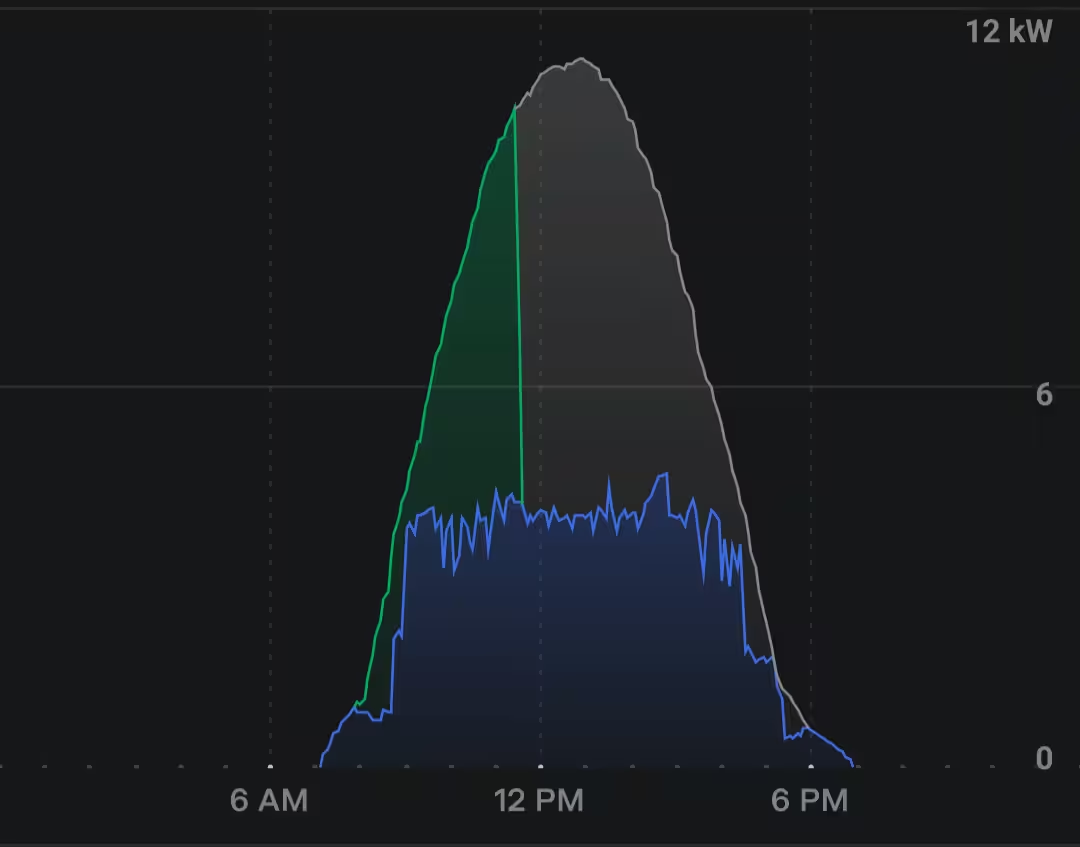 Pool on solar
-
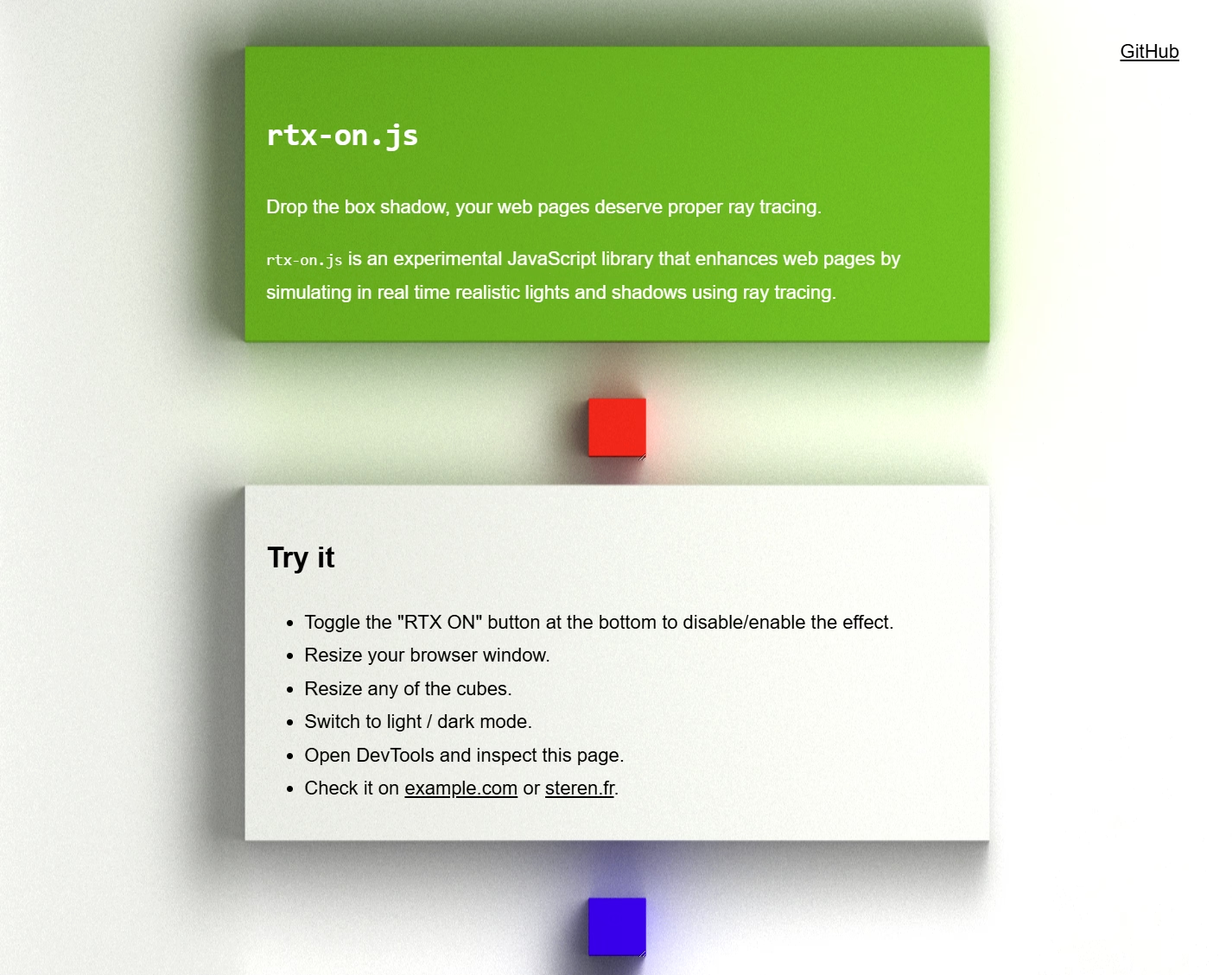 rtx-on.js
-
 Automated E2E Testing with Chrome DevTools & Cloud Run
-
 Half-Life Engine JS
-
 Pure CSS content filtering with :has()
-
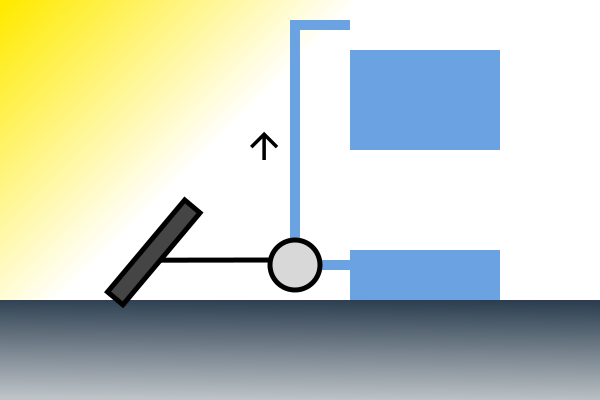 Lifting water to store energy
-
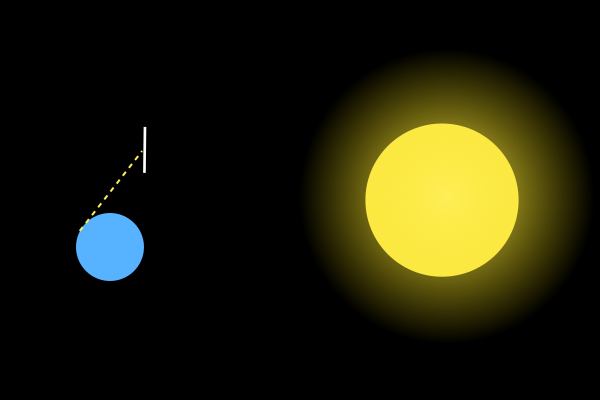 Space to earth solar energy
-
 Set up Firebase Hosting in front of a Cloud Run service, without using the firebase CLI
-
 <stereo-img> a web component to display 3D stereo pictures on web pages and in VR
-
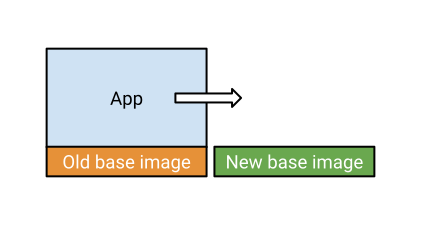 A Naive container base image update strategy
-
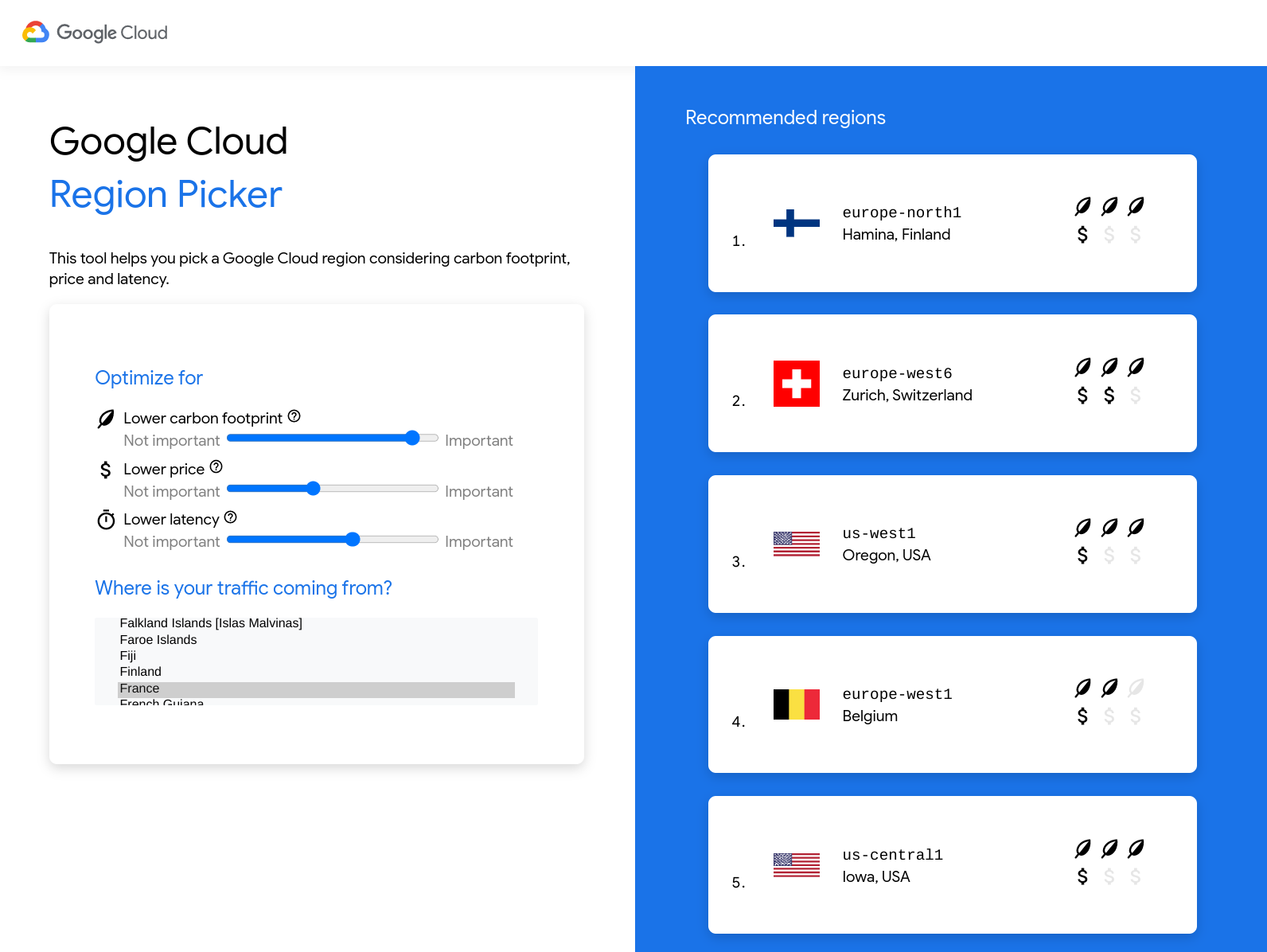 Google Cloud Region Picker
-
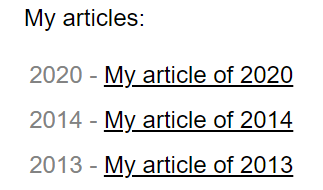 Display the value of an HTML attribute in custom list bullets with CSS
-
 Datastore cleaner
-
 Migrating from App Engine to Cloud Run
-
 Screenshot as SVG
-
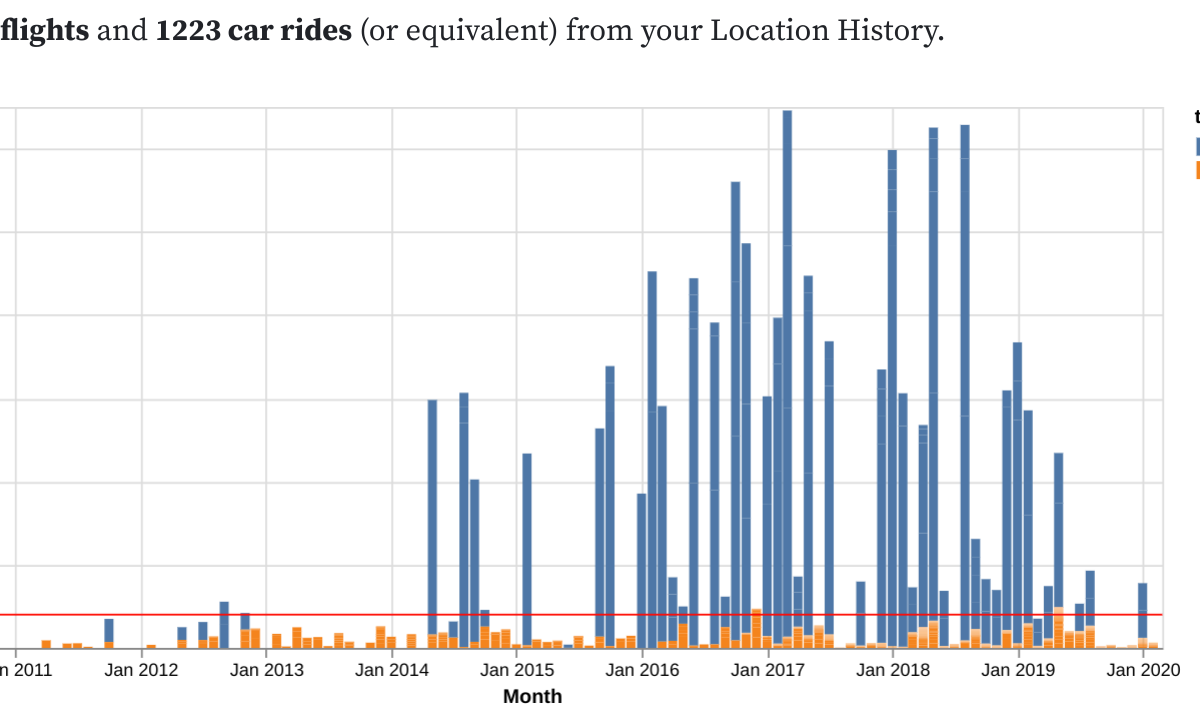 Computing CO2 emissions from Location History
-
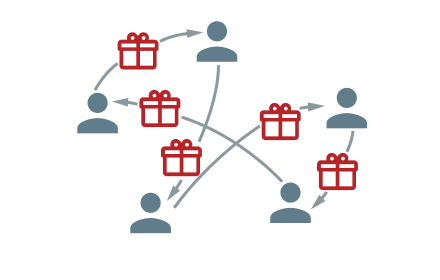 Animating SVG using CSS
-
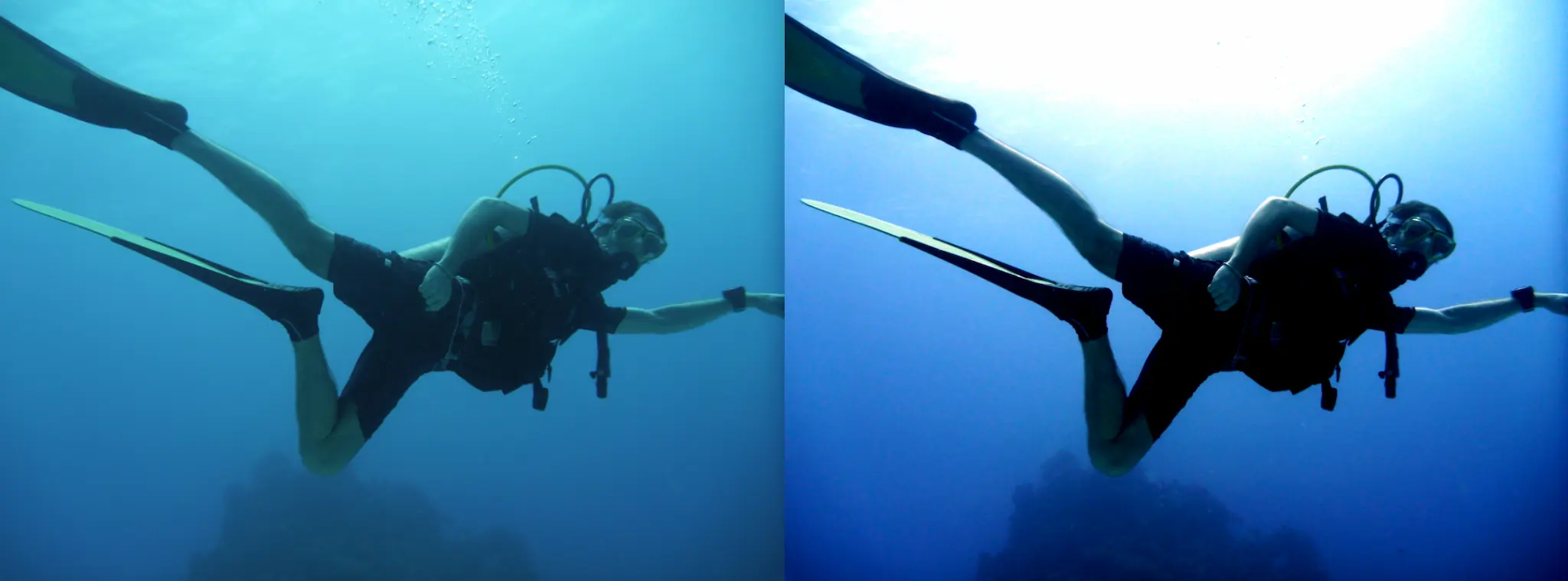 Deepwater: Deep-learning based enhancer for underwater pictures
-
 Open sourcing Remixthem, my first Android app
-
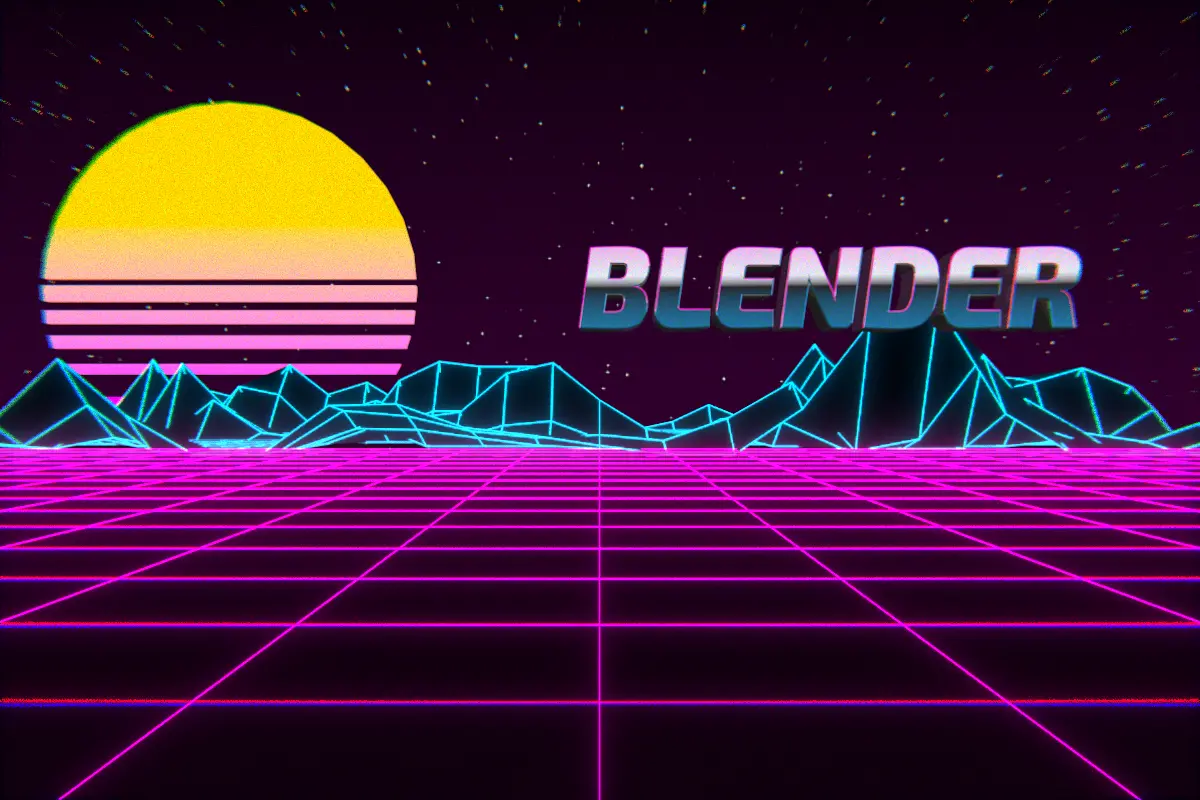 Rendering Blender 3D scenes in the cloud
-
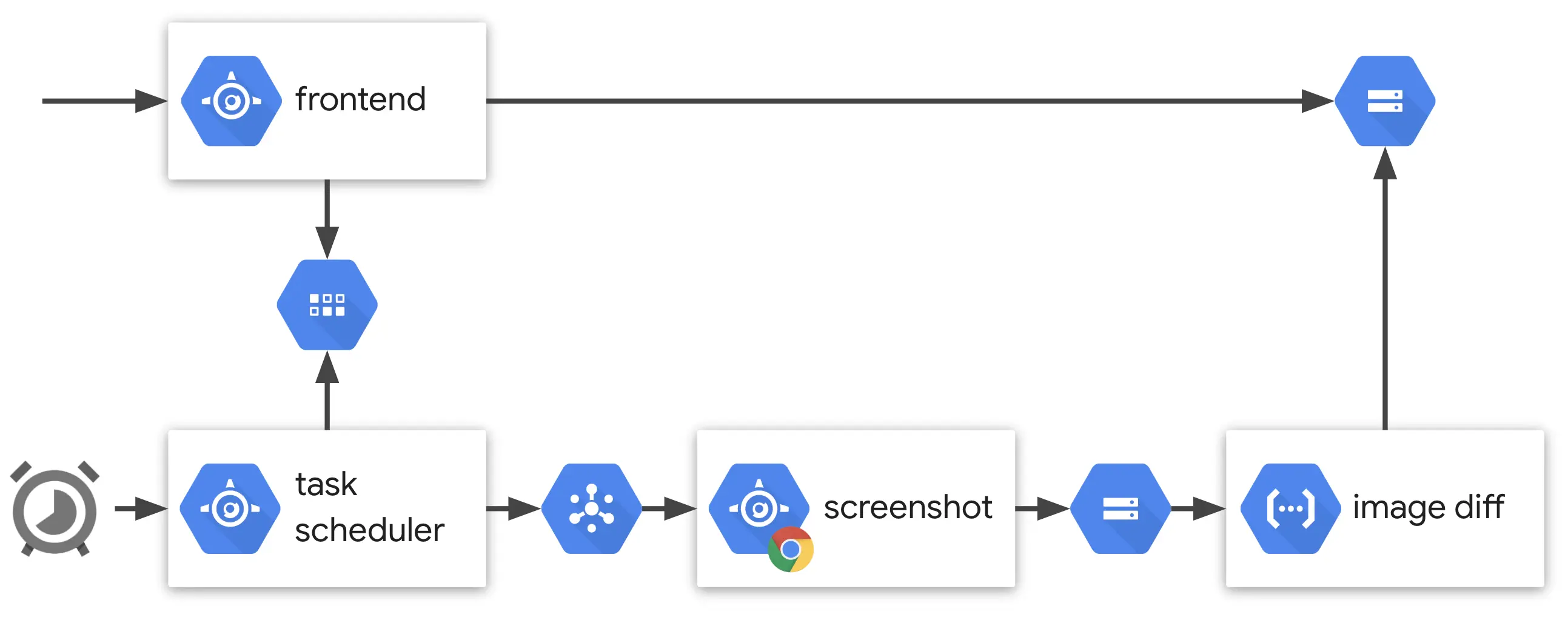 Web page visual history
-
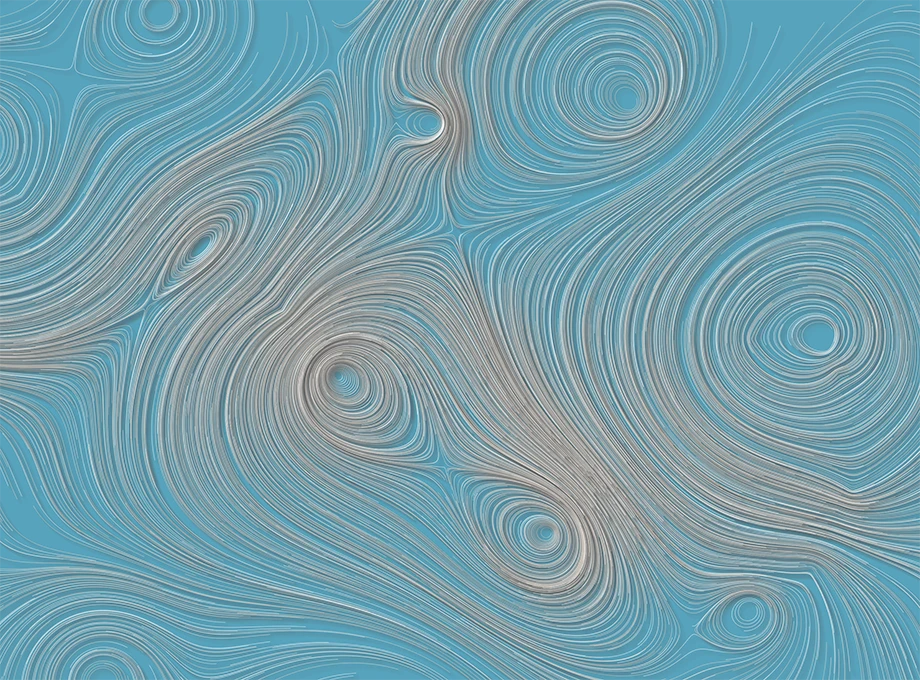 Attractors
-
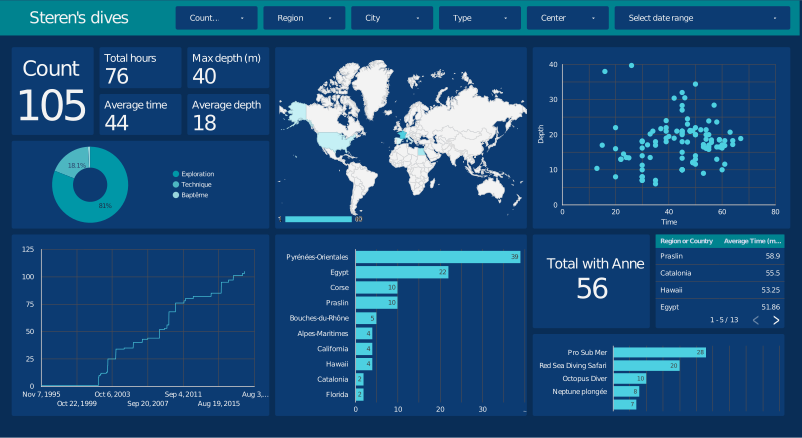 Scuba Diving dashboard using Google Data Studio
-
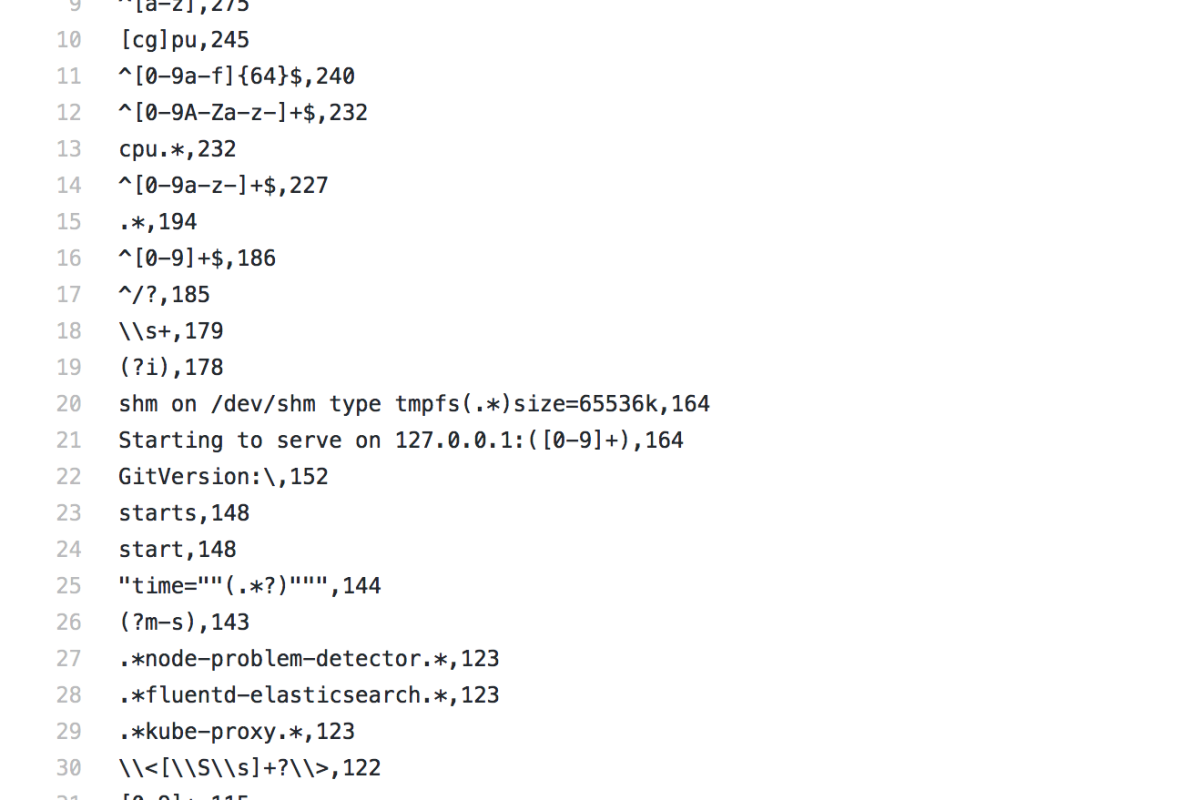 Extracting all Go regular expressions found on GitHub
-
 Setting up Stackdriver Error Reporting on Play Framework 1.4
-
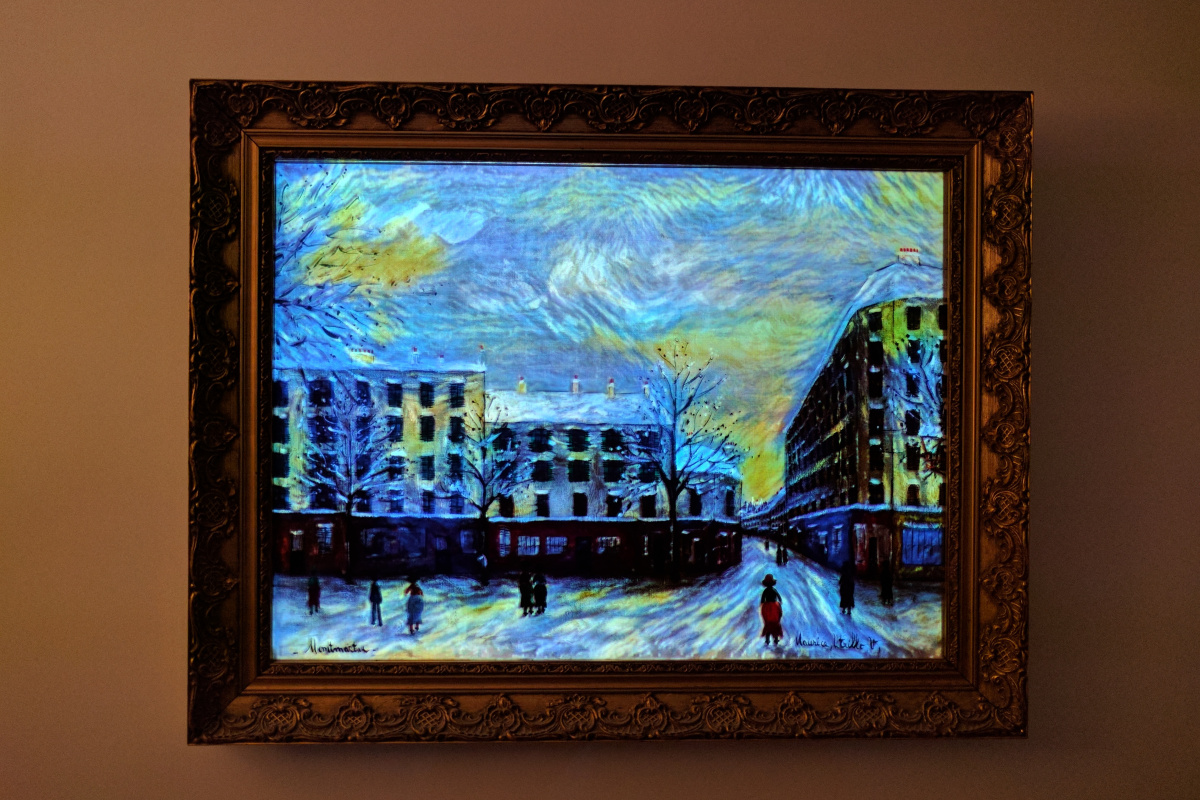 Projection mapping on painting
-
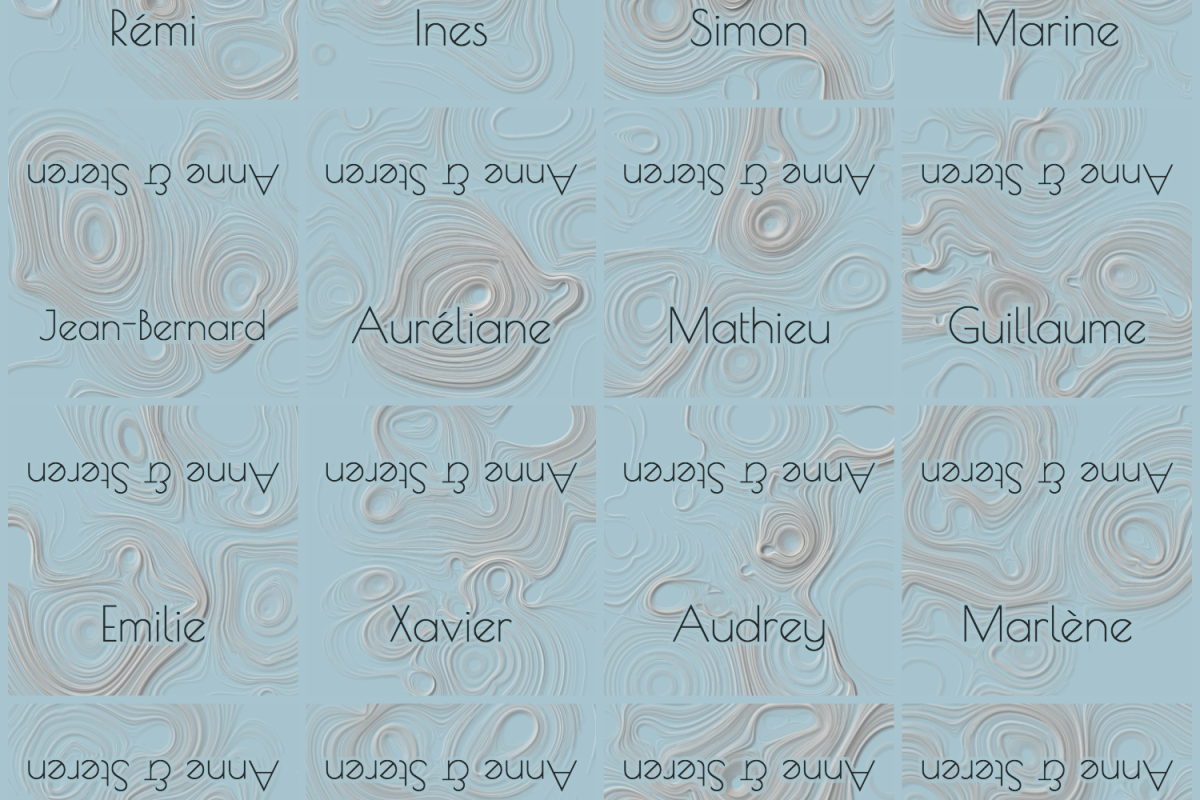 Generating a name tag sheet from a list of names
-
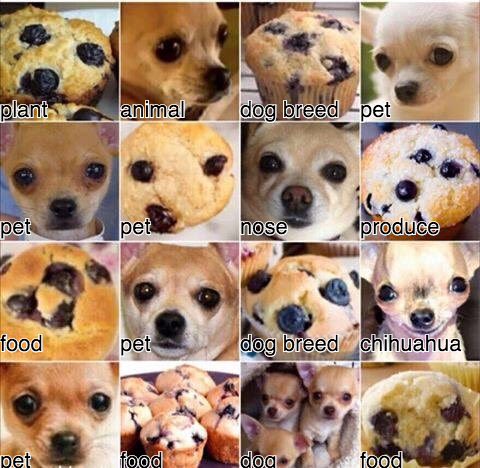 Trying to confuse Google’s Vision algorithms with dogs and muffins
-
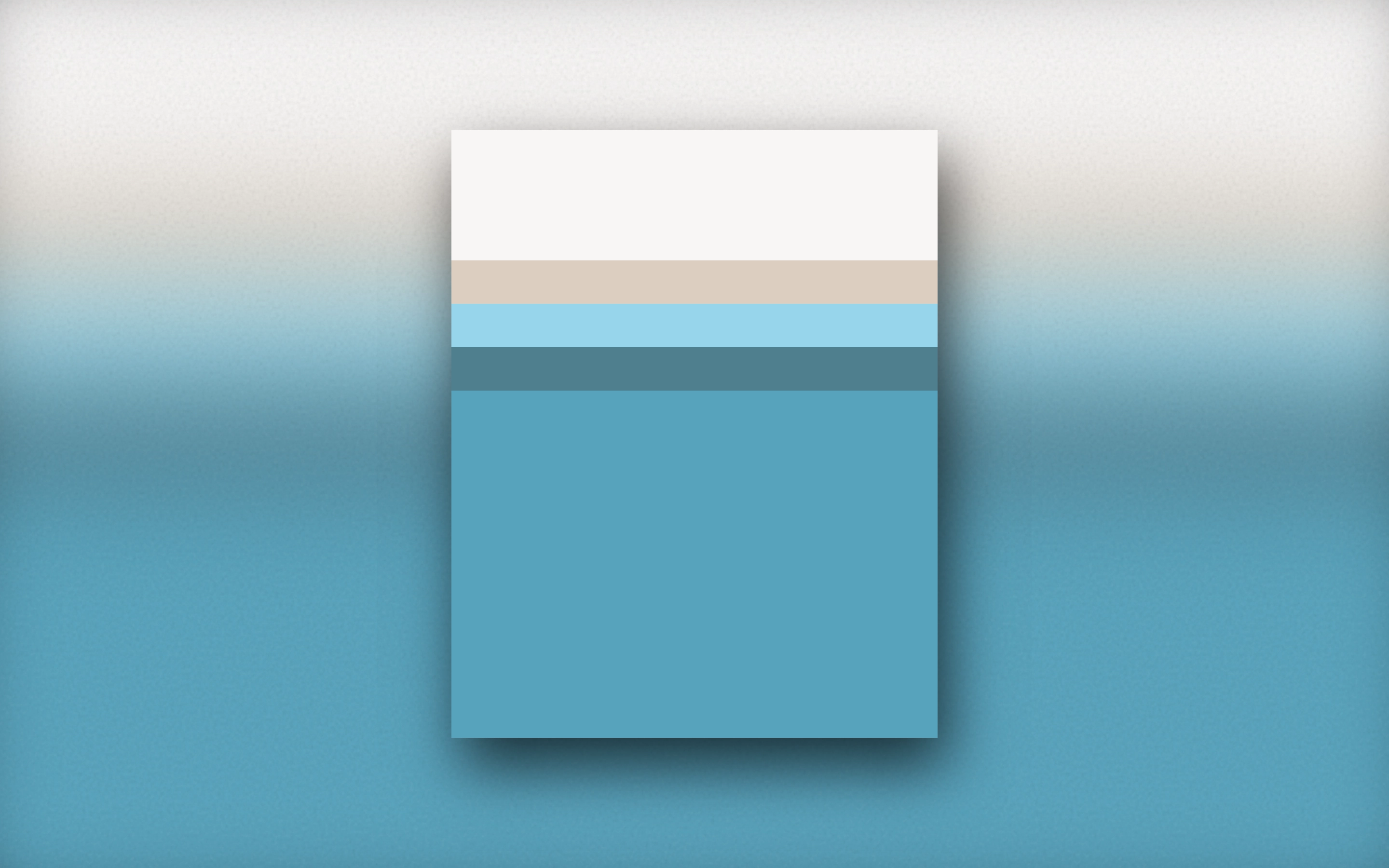 Color palette showcase
-
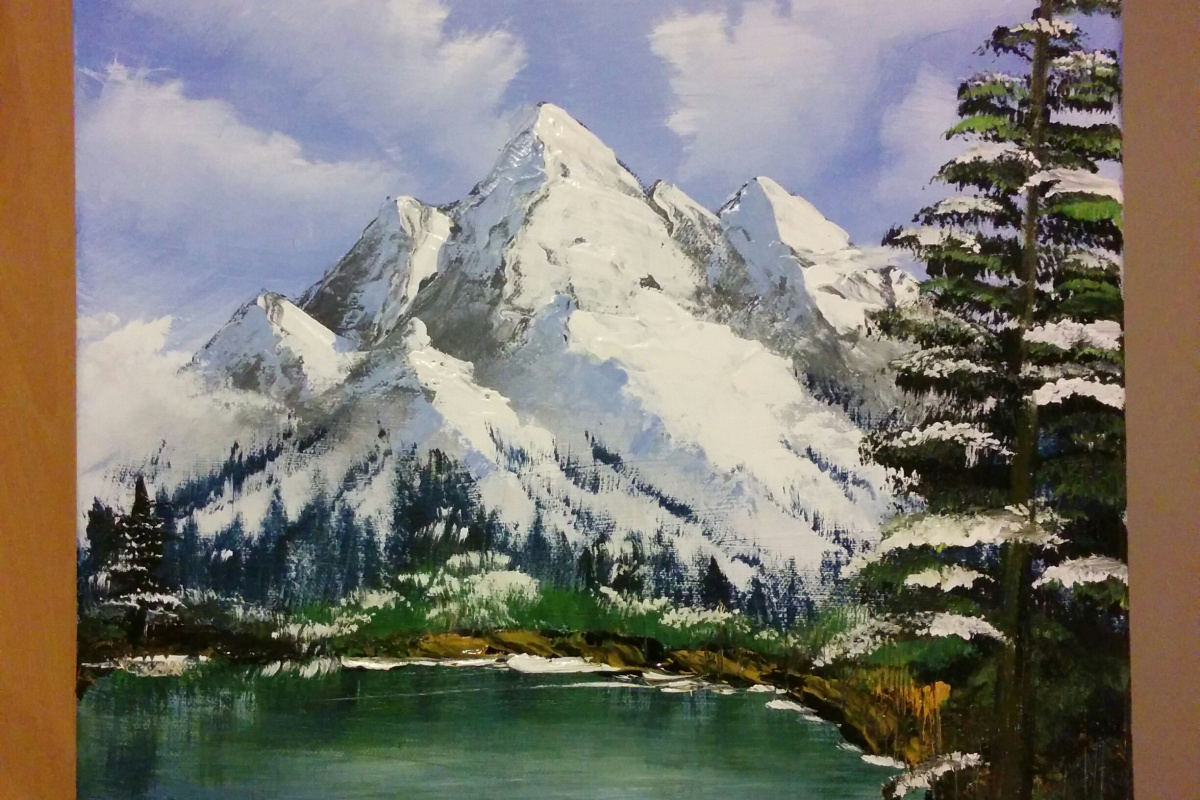 Painting in the style of Bob Ross
-
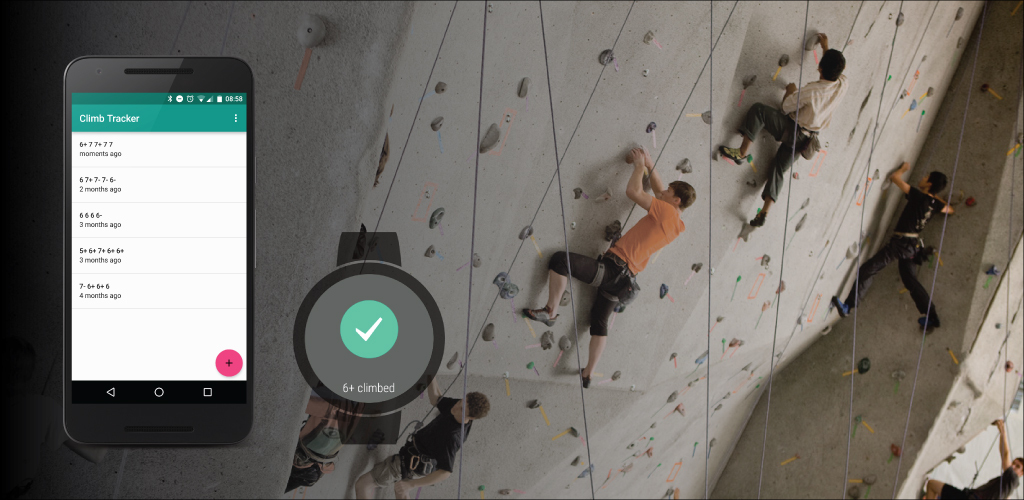 Climb Tracker for Android and Android wear
-
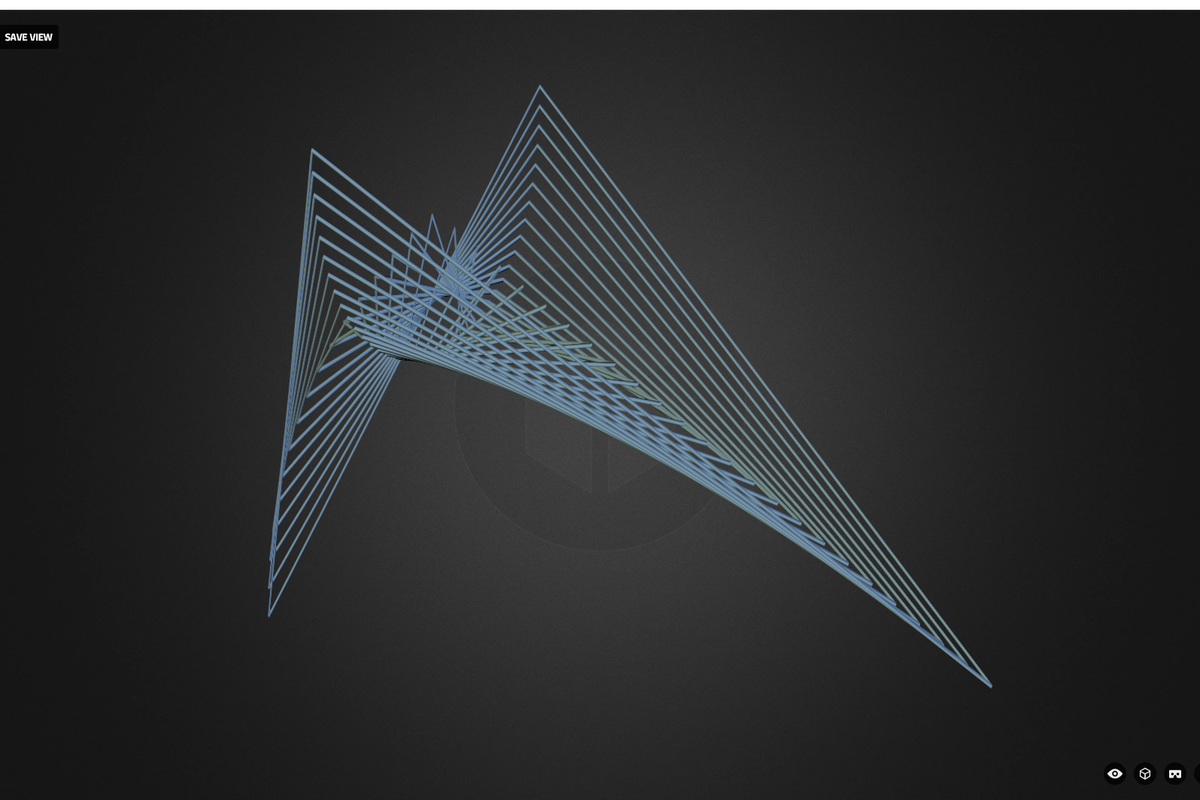 Exploring ruled surfaces with Three.js and Sketchfab
-
 Building a portfolio using Polymer
-
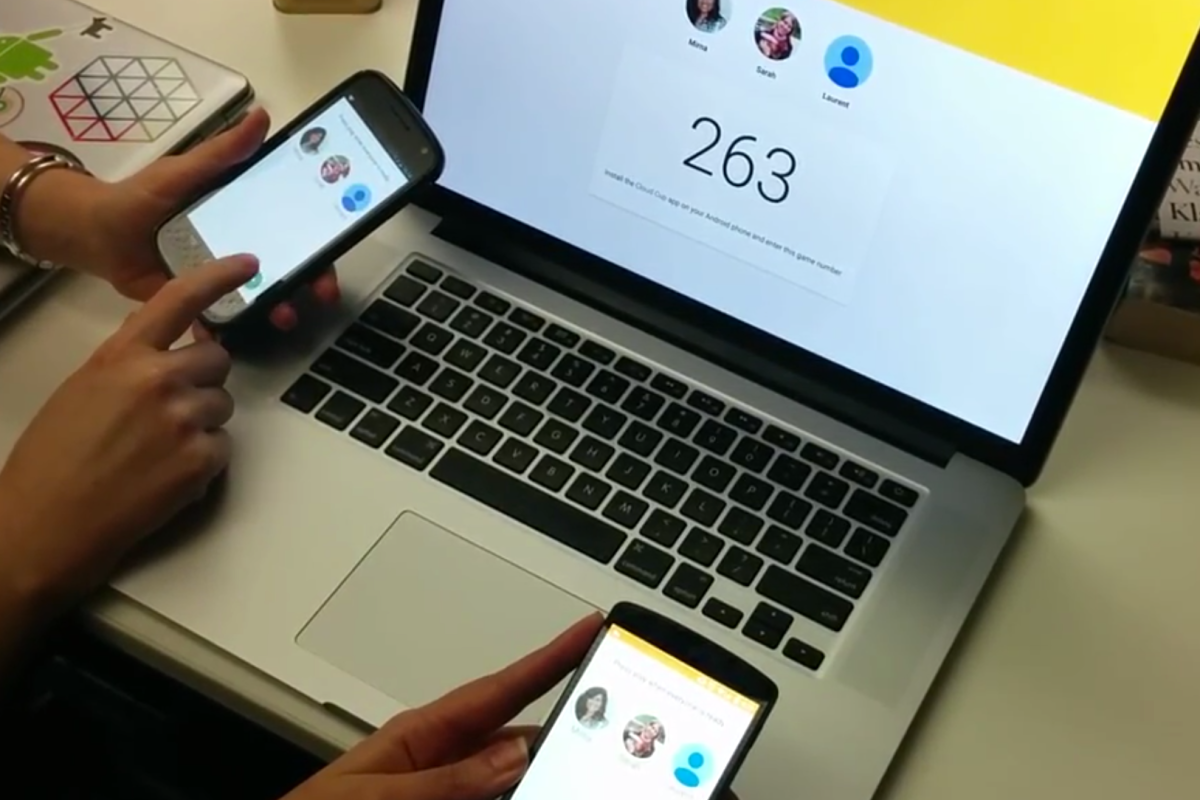 Cloud cup: a multiplayer set of mini games for web and Android
-
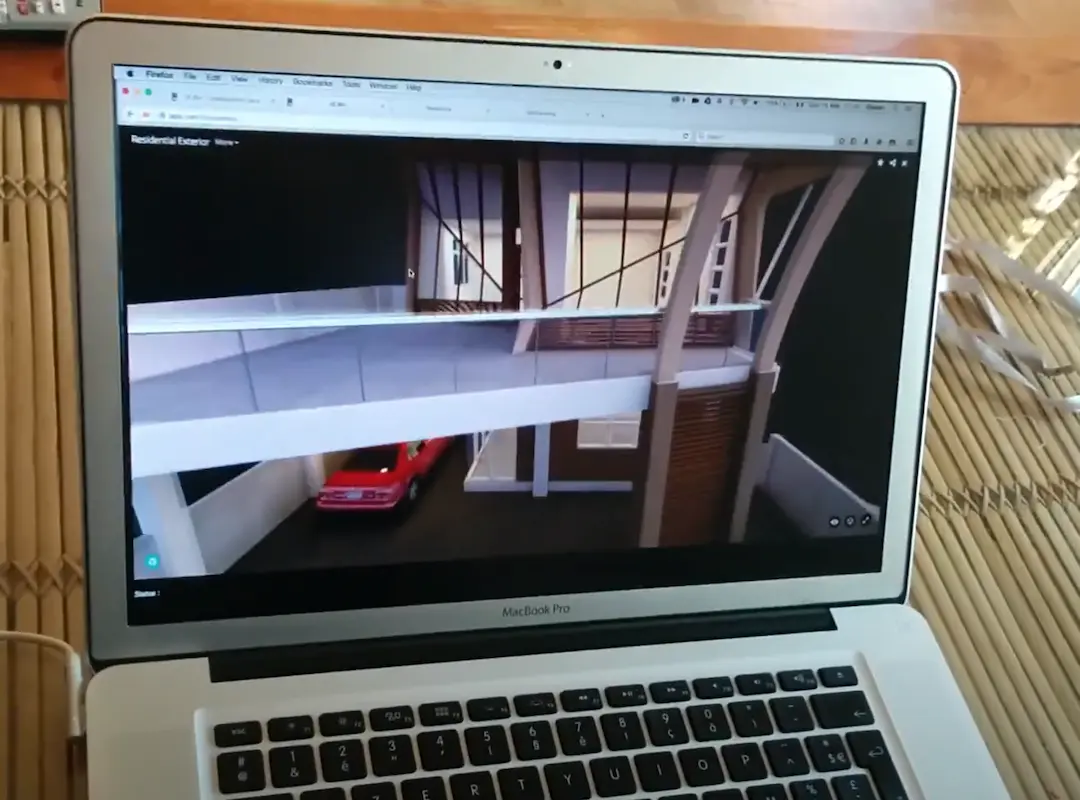 Sketchfab Head Tracker
-
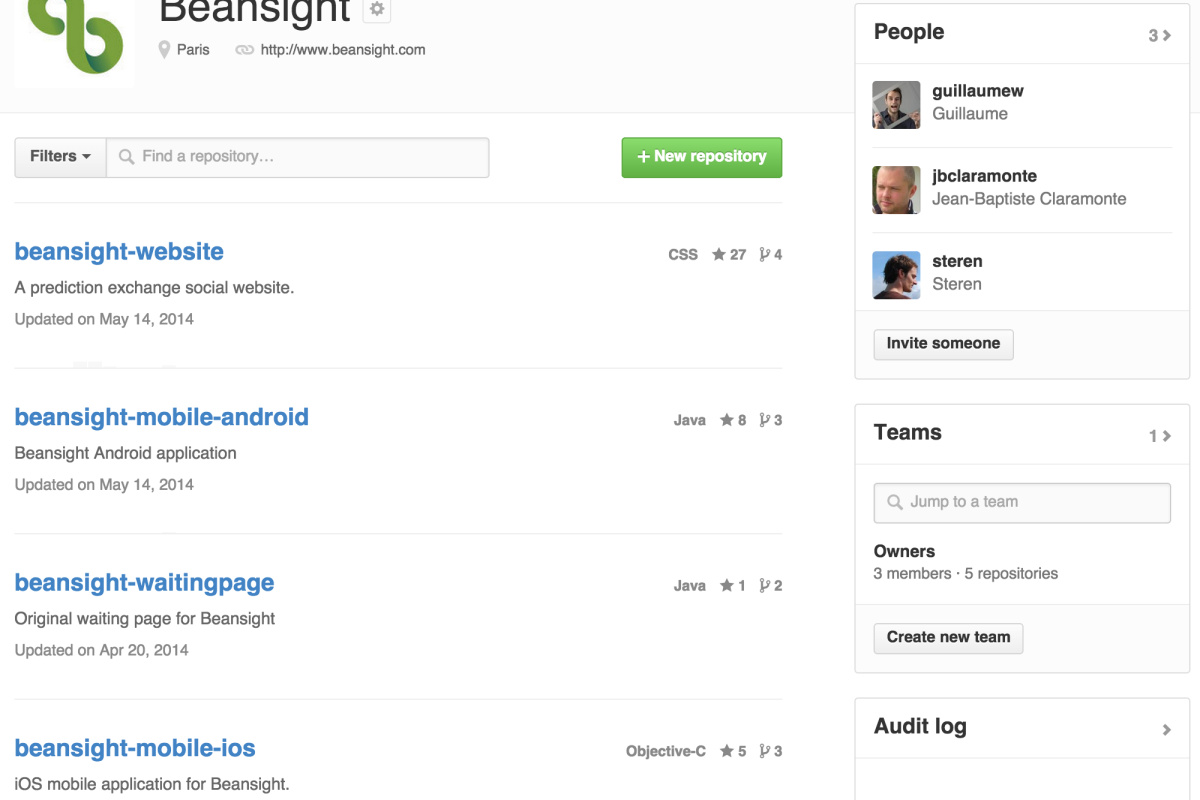 Beansight is now open source
-
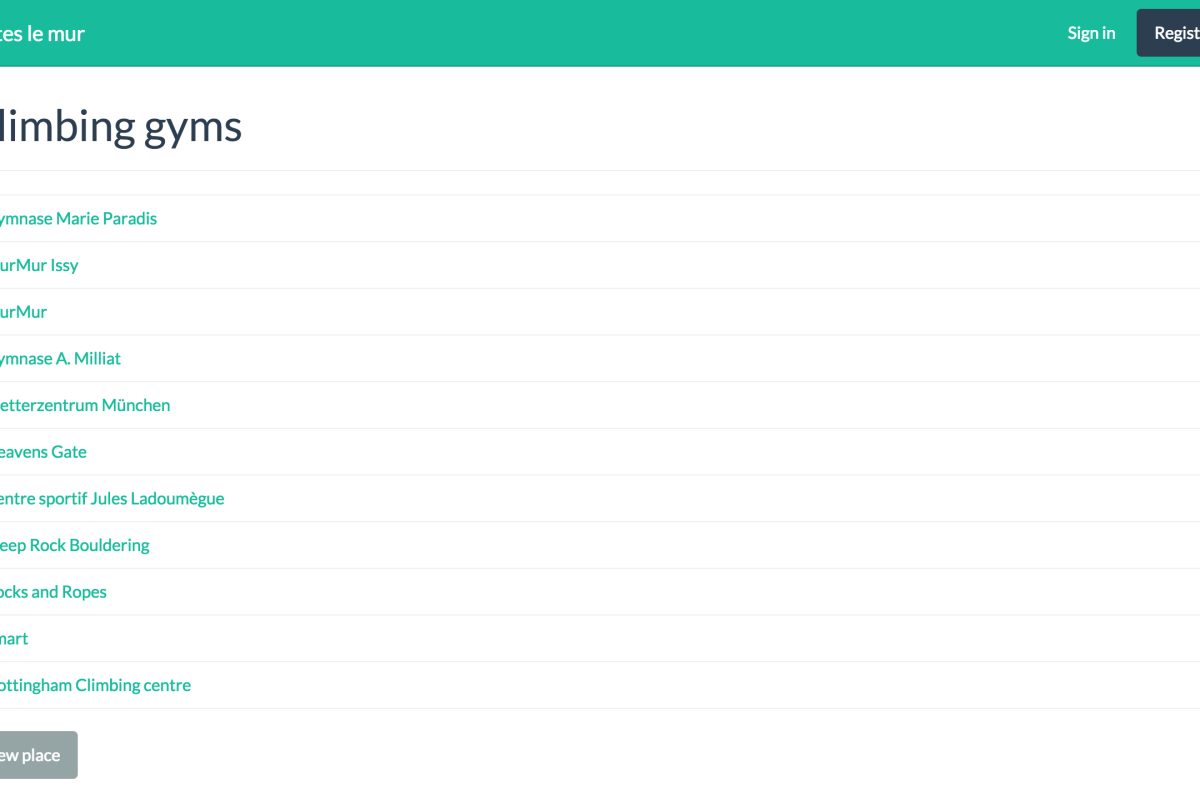 Indoor climbing tracker
-
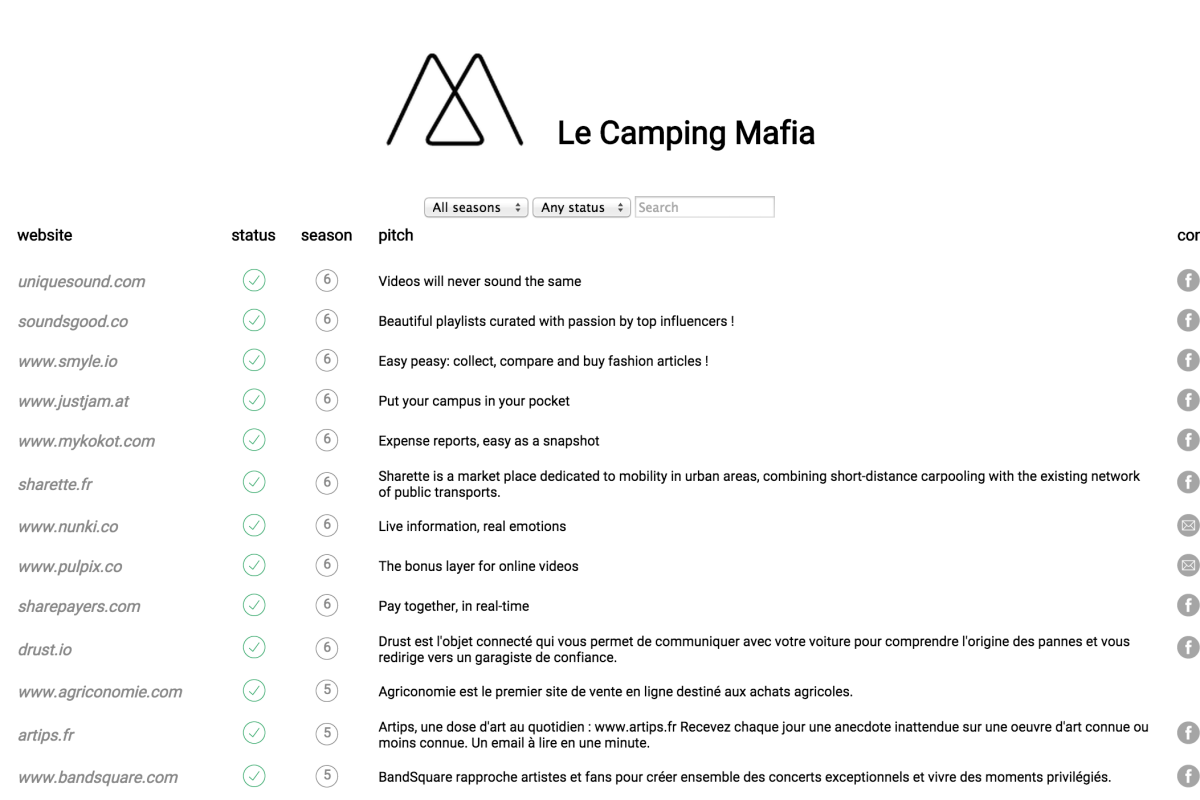 LeCamping Mafia
-
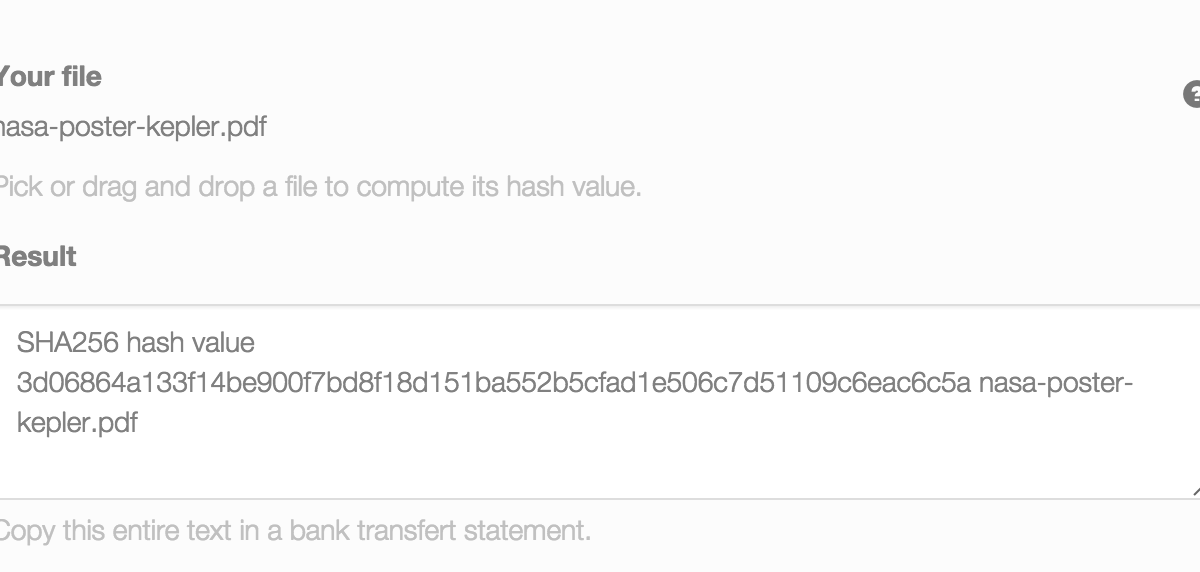 How to prove you created something before somebody else?
-
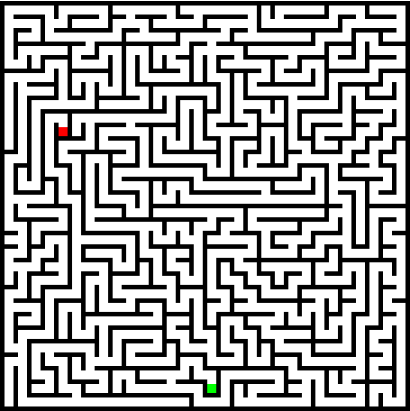 How to generate a maze?
-
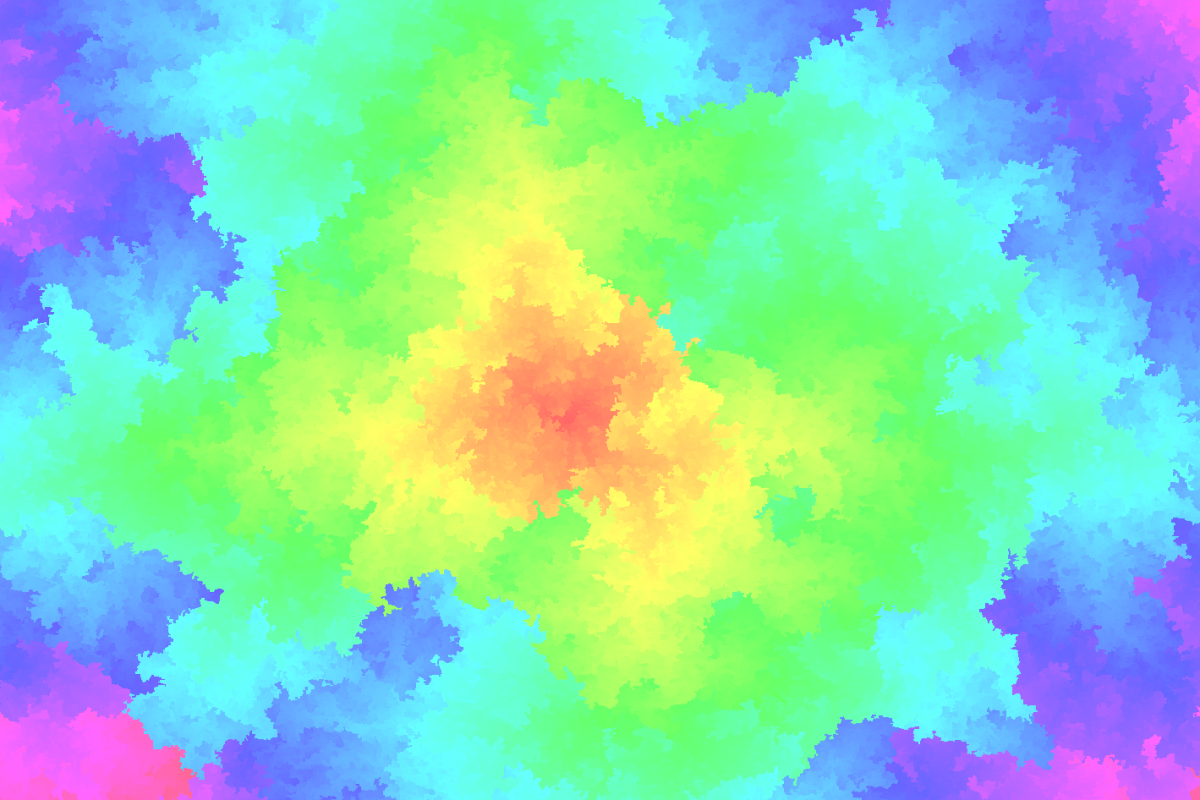 Colourful intermediate results
-
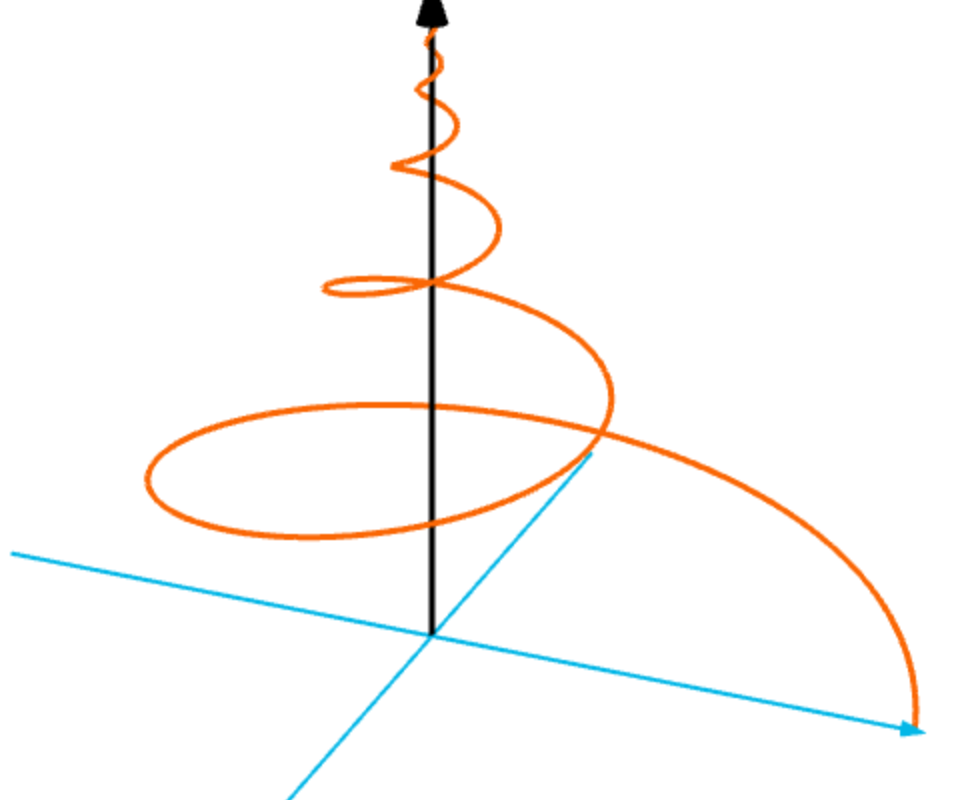 MRI proton spin: 3D animated mathematical curve in the browser using MathBox.js
-
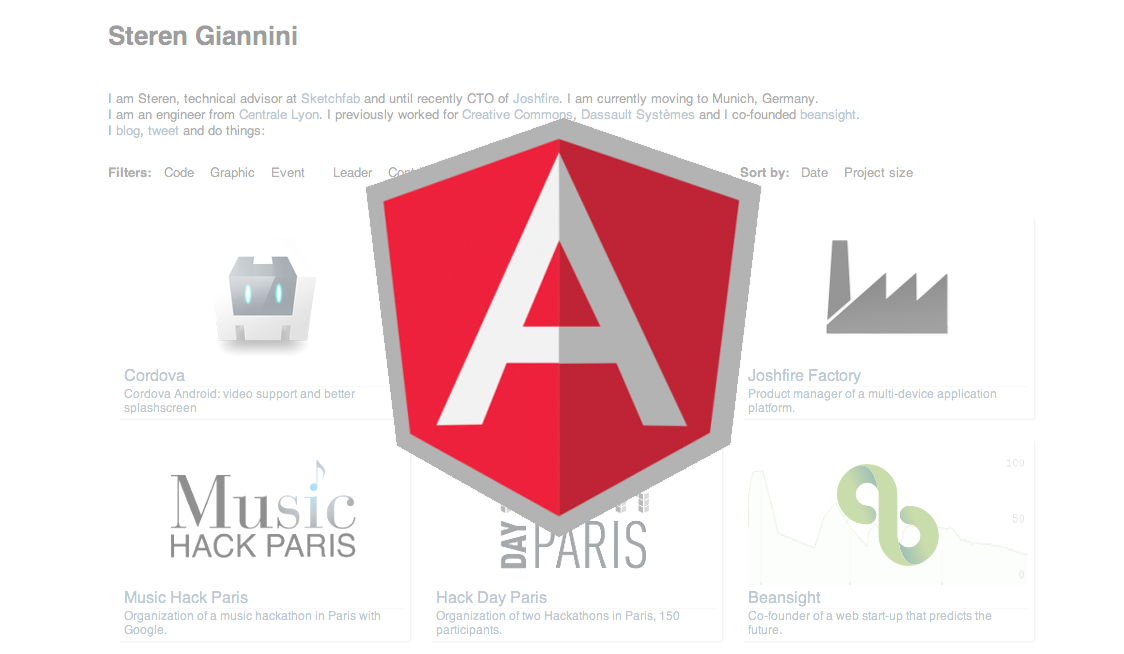 My Portfolio written with AngularJS
-
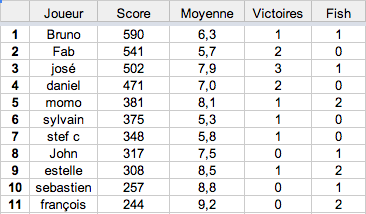 Poker tournament tracker
-
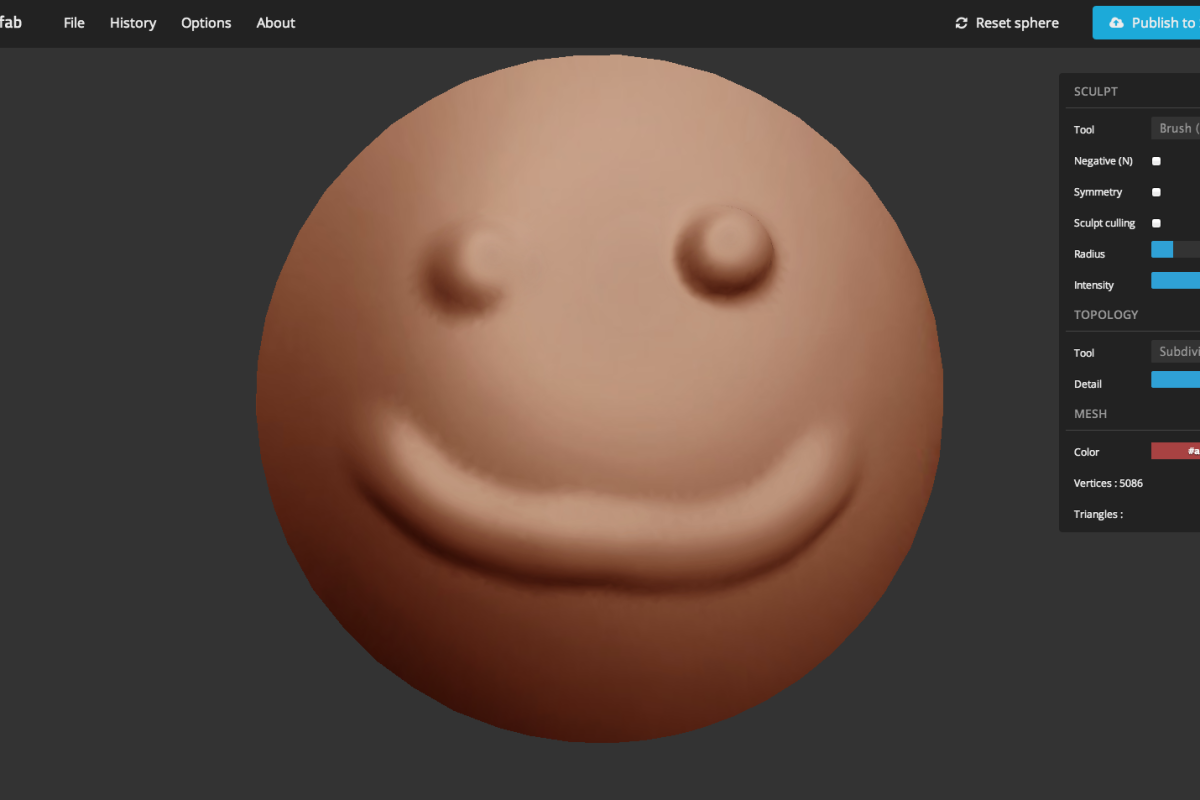 Sculptfab
-
 Server-sent Events ParisJS talk
-
 Bringing video support to Phonegap Android
-
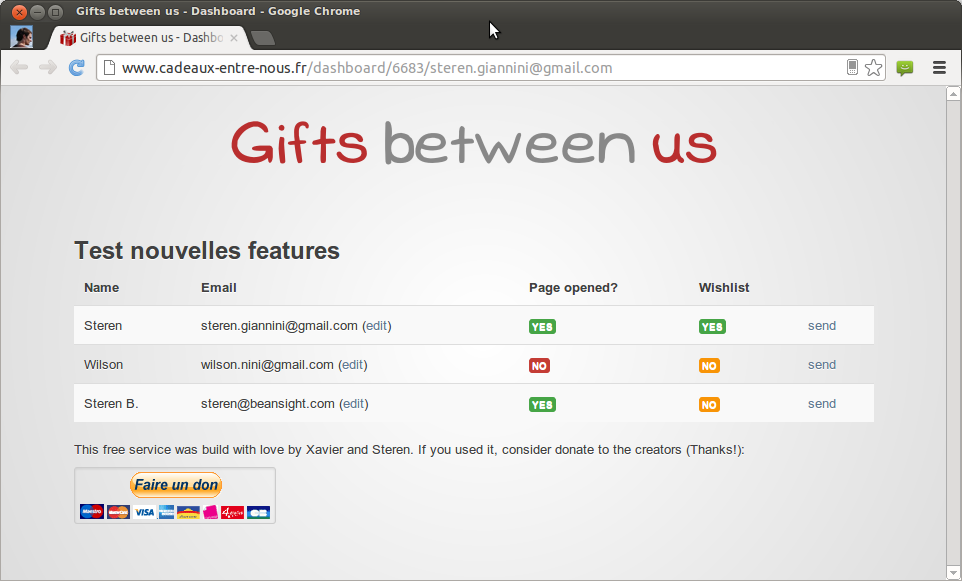 Annual update to “Cadeaux entre nous”
-
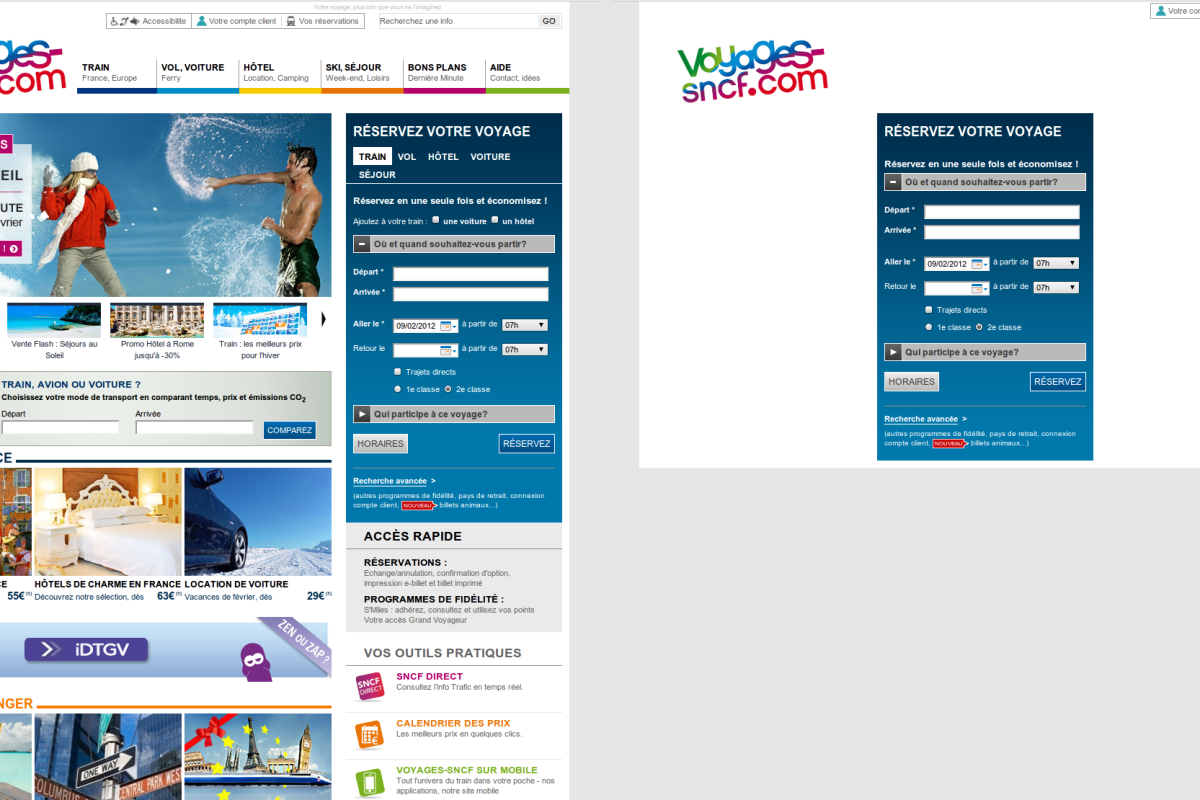 voyages-sncf.com: more is less
-
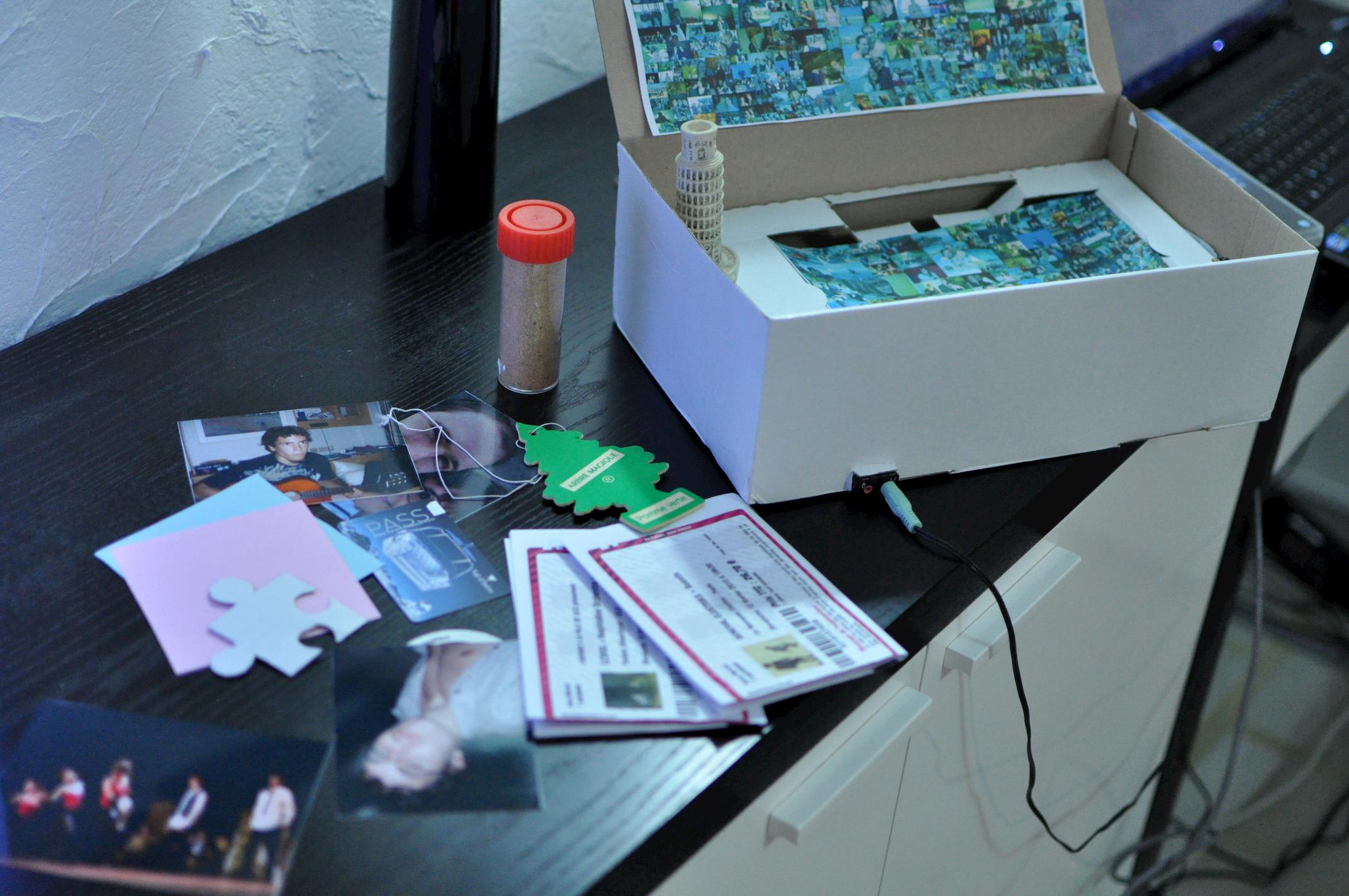 Noisebox: a connected music box
-
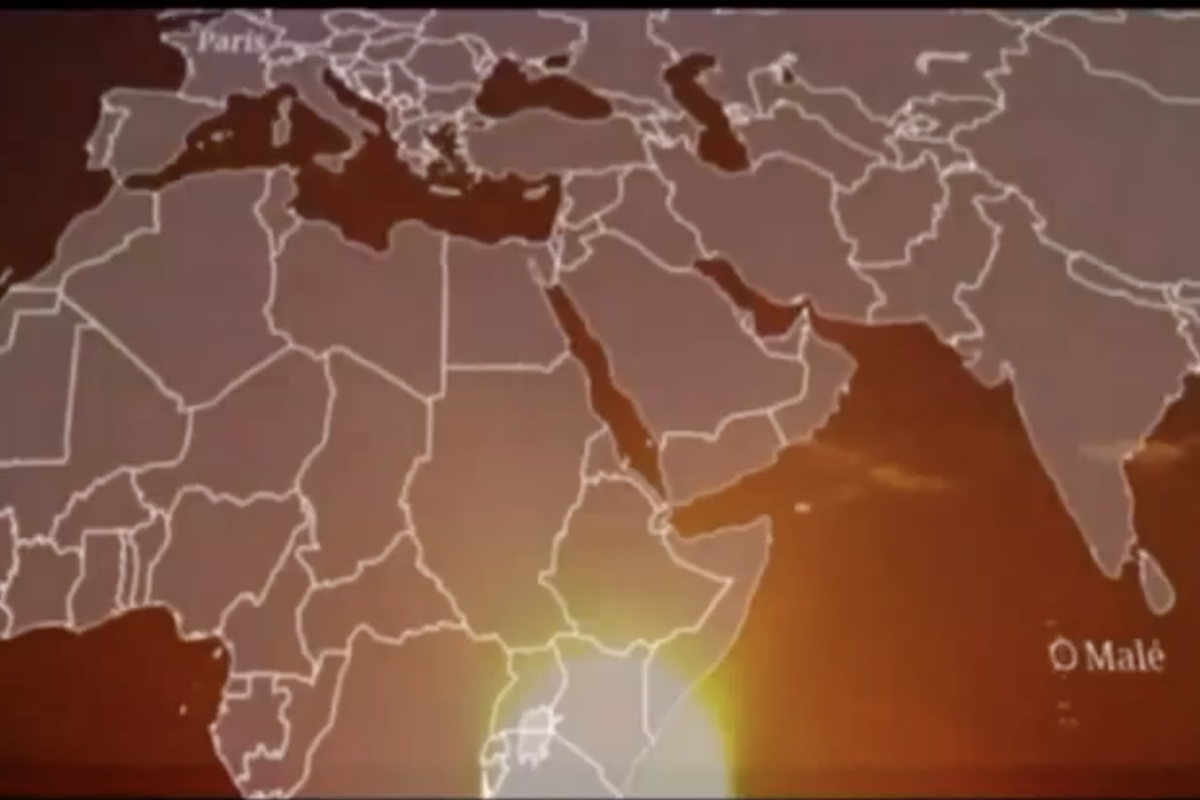 Maldives documentary
-
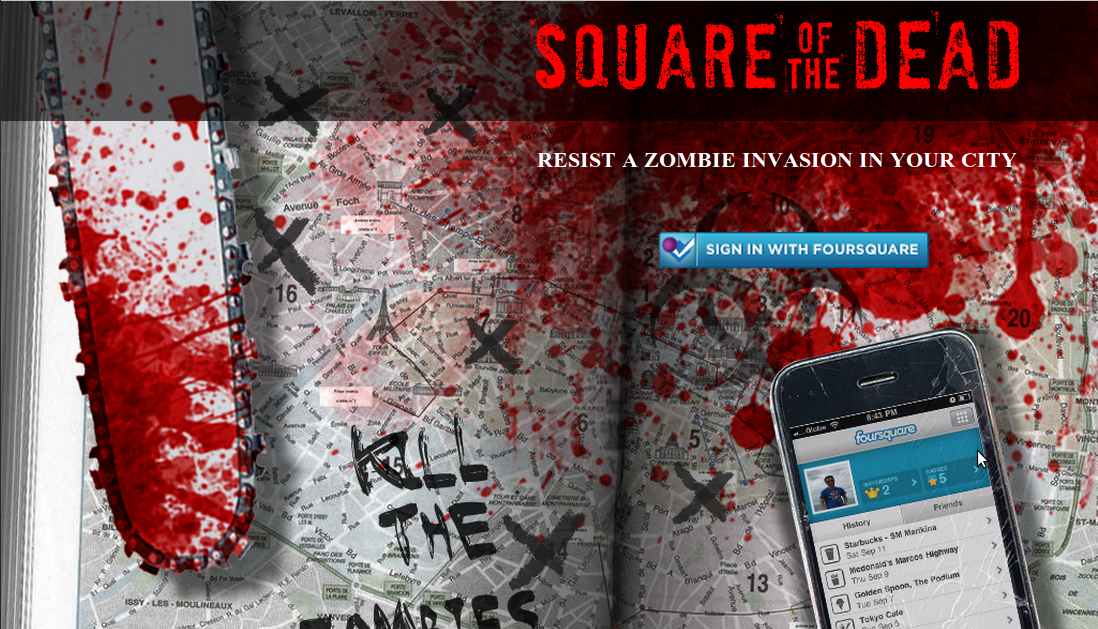 Square of the Dead
-
 AnyDance
-
 Hack Le Camping logo
-
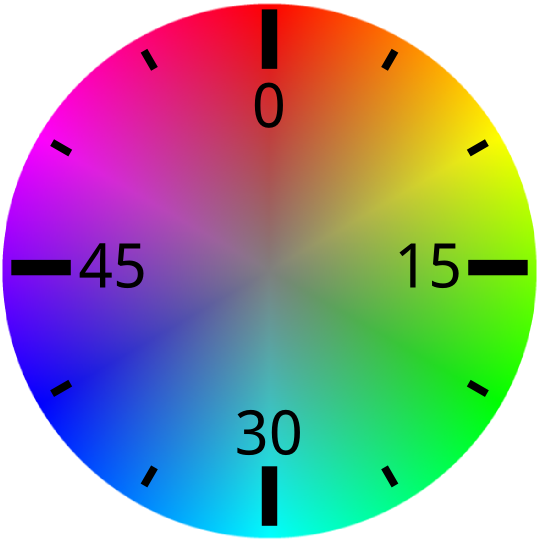 You just know the time
-
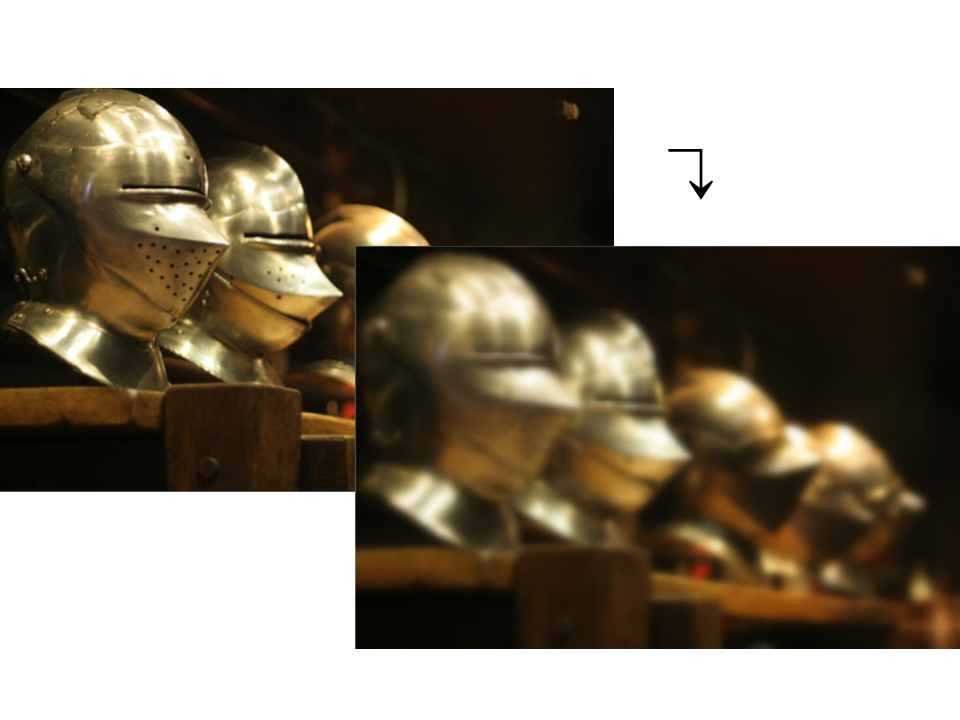 Image processing with Javascript
-
 Beansight selected for Le Camping
-
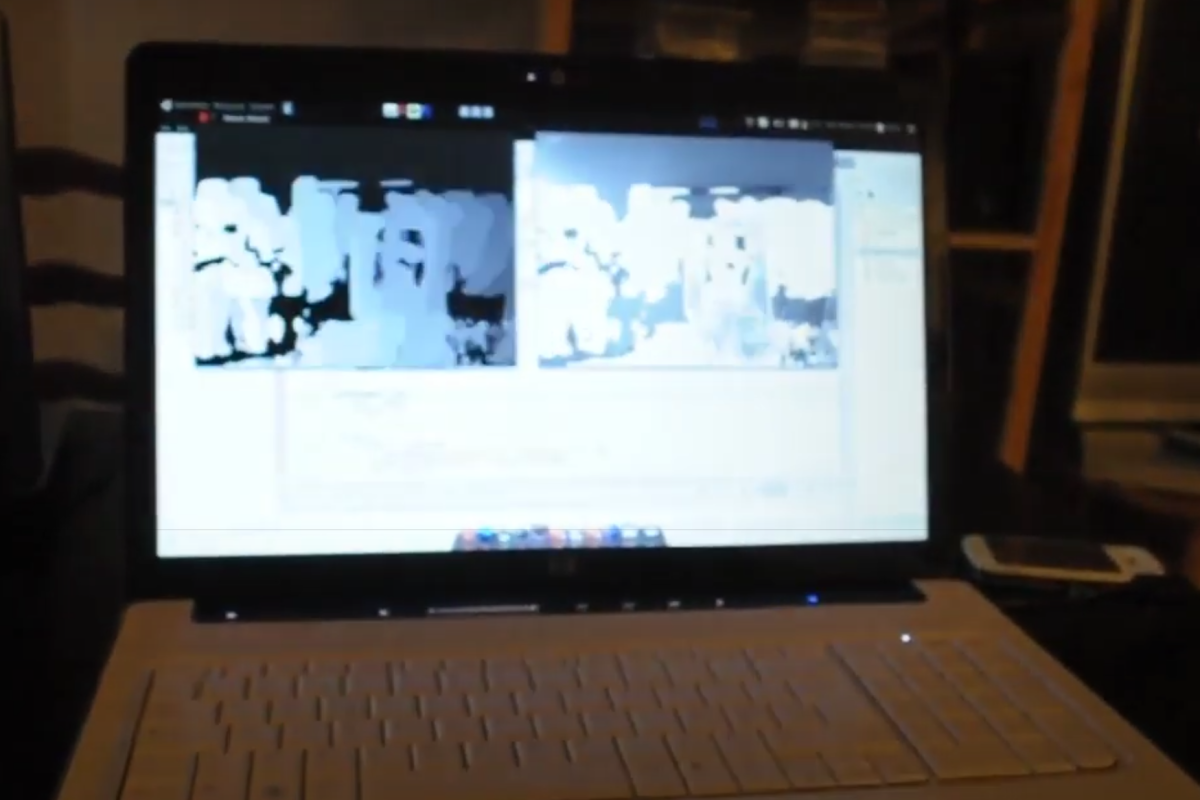 Controlling my laptop with hand gesture
-
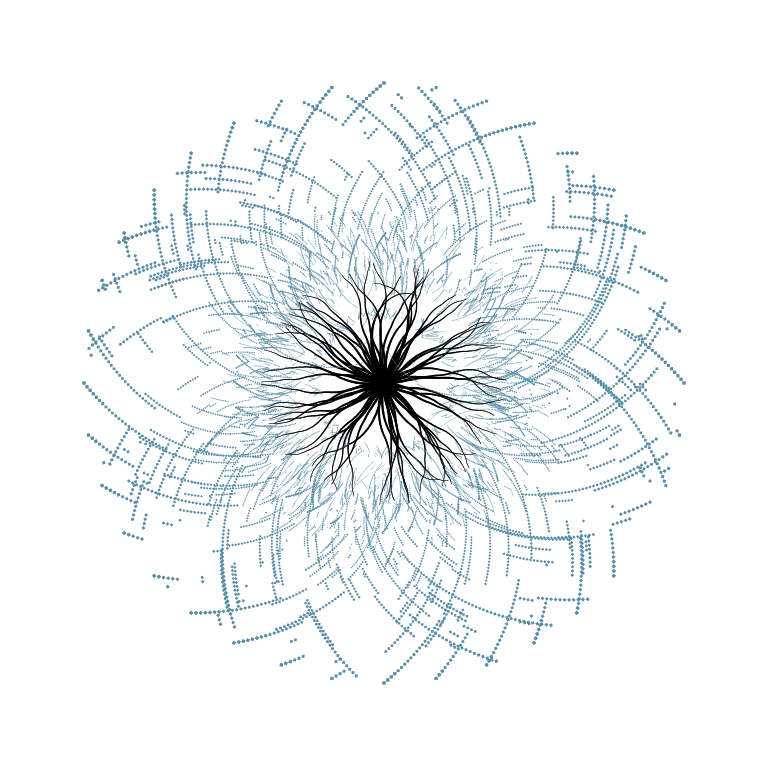 Experimenting with “Concept Free Art”
-
 Lesson learnt: use tasks and retries to send emails
-
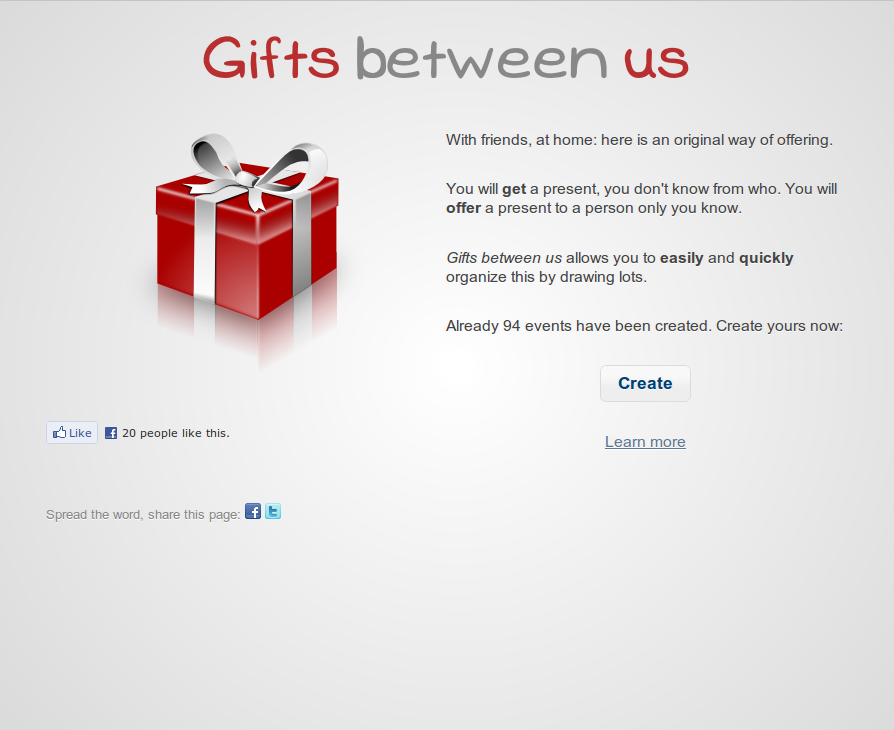 Gifts between us
-
 Call Wikipedia API using jQuery
-
 Open Divers: My fish database
-
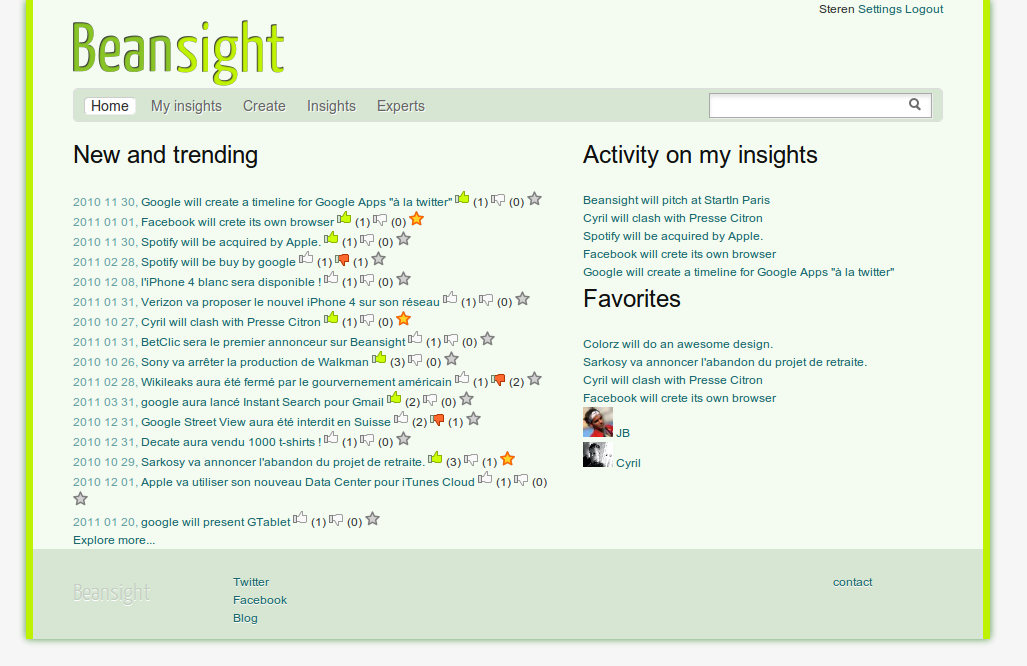 Beansight: the path to the private beta
-
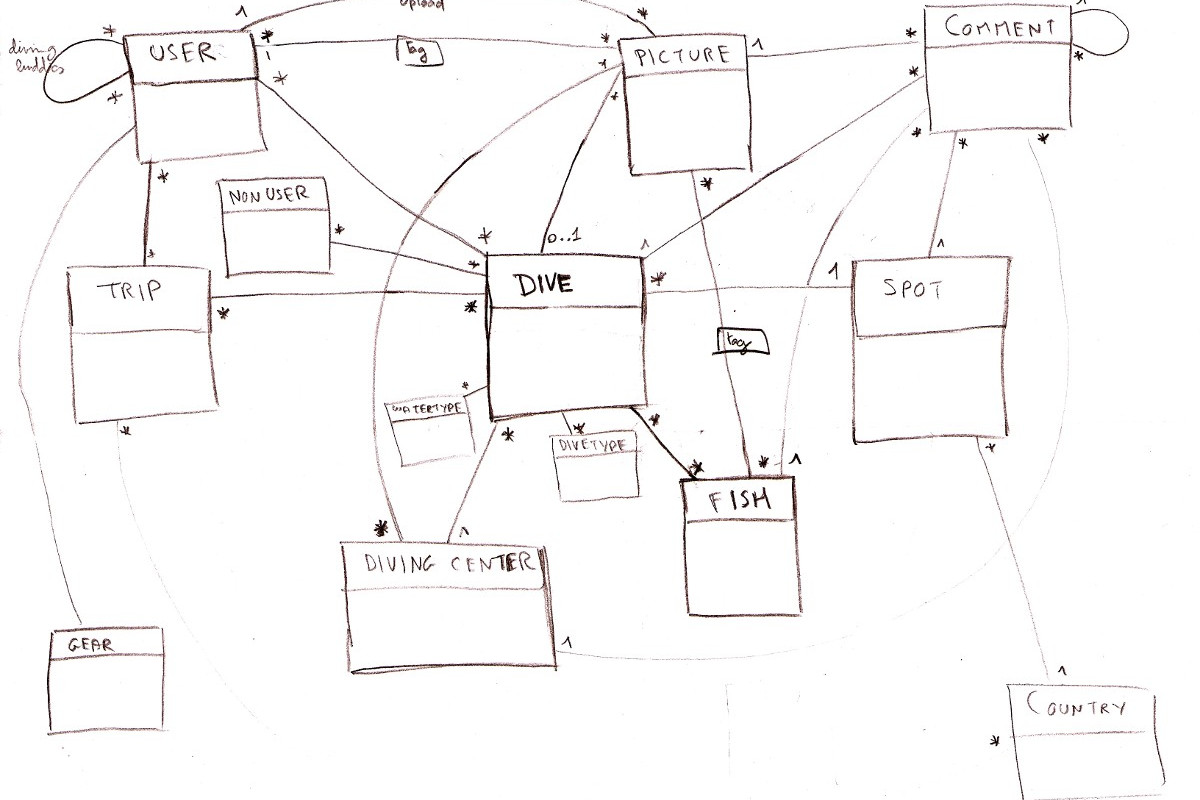 Open Divers: How is it done?
-
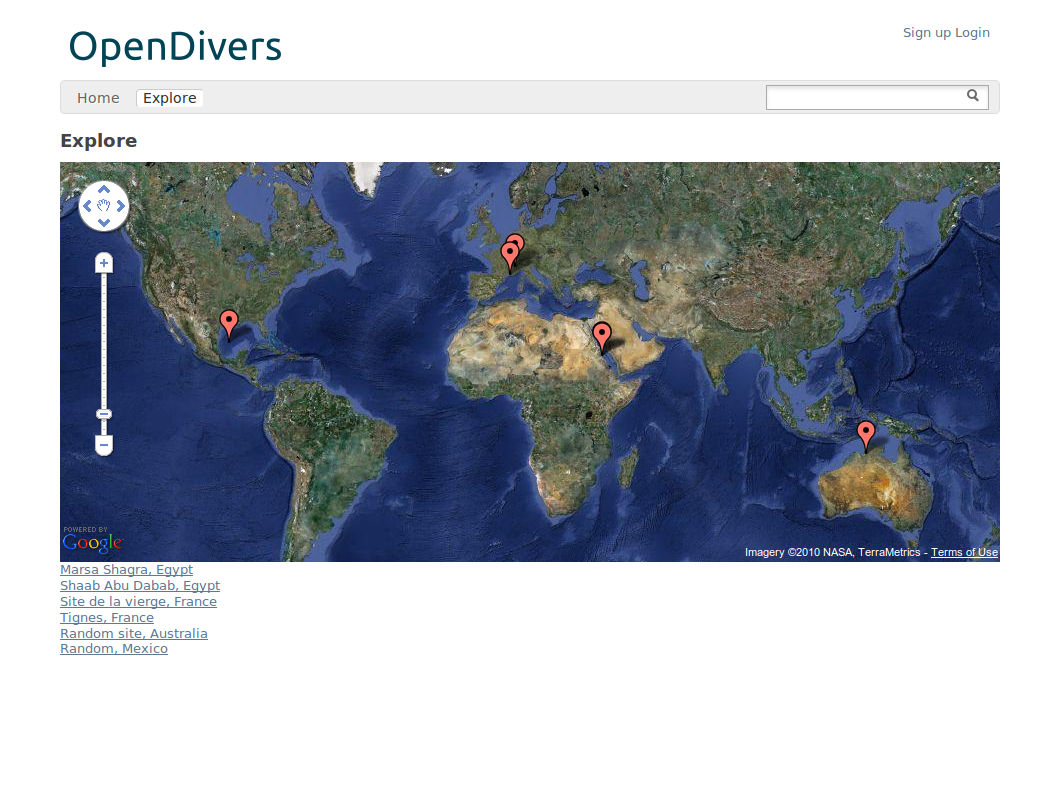 Open Divers: first screen
-
 Beansight at Start In Paris
-
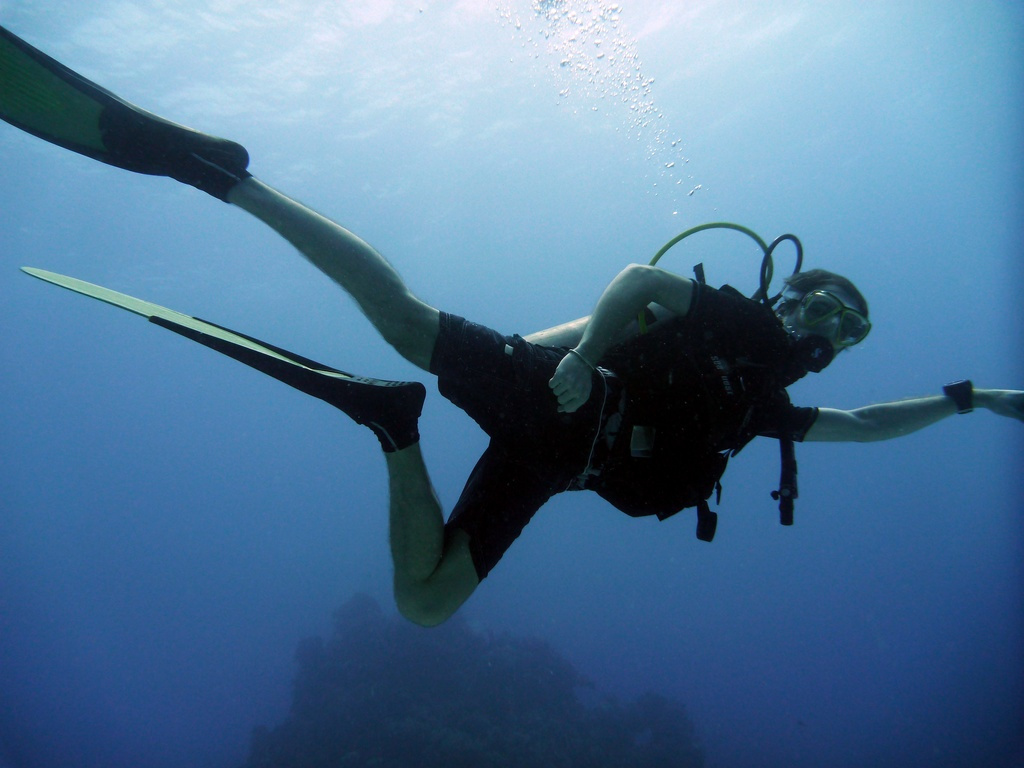 Open Divers: an online dive log
-
 SVG export for Alchemy